
Reviews
Your slides are my "secret sauce" when it comes to presenting my ideas to clients. I save a lot of time.
J'avais un délai de livraison à respecter et je n'avais pas le temps de créer une variété de modèles de diapositives. Infodiagram m'a proposé des options faciles à télécharger et à personnaliser en fonction de mes besoins !
Vos diapositives suscitent souvent de précieux commentaires et idées de la part de mon équipe, ce qui améliore les diapositives finales.
Description
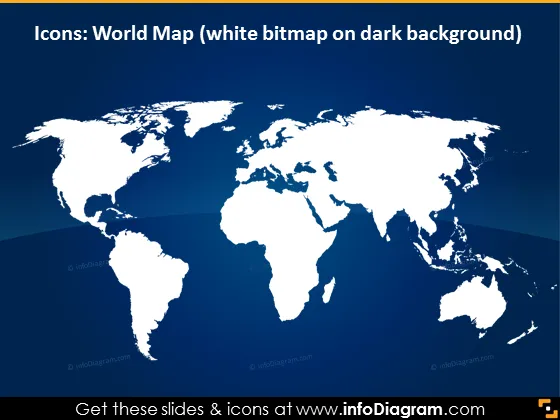
Icons: World Map (white bitmap on dark background)
Slide Content
The slide is designed to present a simplified world map, possibly to highlight global reach, international relations, or data distribution. A "white bitmap on dark background" is utilized to make the representation clearly visible and enhance the contrast between the continents and oceans. This kind of design can be beneficial for pointing out specific regions or countries without unnecessary detail to distract the viewer.
Graphical Look
- The slide has a dark blue background that fades to black at the bottom.
- A white silhouette of the world map dominates the central part of the slide.
- The continents are shown in a simplified manner, omitting country borders for a cleaner look.
- The projection of the map is a conventional rectangular (Mercator or similar) projection.
- Shadows appear beneath the continents, giving a slight 3D effect to the map.
The overall look is clean and modern, with high contrast between the map and the background. The map's simplicity focuses attention on the geographic regions without complications from additional details.
Use Cases
- To highlight global presence or international reach of a company.
- To point out locations where a company has offices, partners, or customers.
- In educational settings to provide a geographic context for various topics.
- As a backdrop for discussing global issues such as climate change, international trade, or epidemiology.
How to Edit
How to edit text & colors

How to expand / shorten diagram

How to Replace Icons in infoDiagram PPT


