

Your graphics add a nice touch to my presentations and I recently used them for one of my all-hands meetings. Your toolbox adds professionalism to my slides. Instead of using standard clipart.
Claude Jones, Director of Engineer, @Walmartlabs, USA

Your graphics add a nice touch to my presentations and I recently used them for one of my all-hands meetings. Your toolbox adds professionalism to my slides. Instead of using standard clipart.
Claude Jones, Director of Engineer, @Walmartlabs, USA
I needed a fresh look at some of my slides. I've tried to find a way to create a paintbrush effect, to underline, accentuate, add some color and the handwritten markers were just the things. Very easy to use, easy to size, change the color. It was an affordable, perfect solution and I'm happy to recommend it.
Anonymous, US
The crisp, clean look of the graphics, and the fact that it allowed me to easily edit and change the colors to match the template was my main reason for purchasing them.
Brandie Jenkins, E-learning Developer, USA
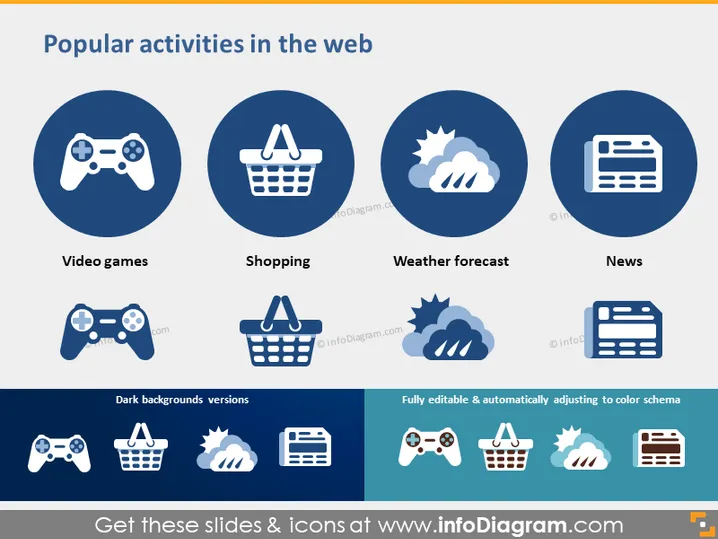
The slide presents four popular activities that people engage with online, each accompanied by a circle containing a representative icon. "Video games" is depicted by a game controller, suggesting gaming is a frequent online activity. "Shopping" is shown with a shopping basket icon, illustrating the prevalence of e-commerce. "Weather forecast" features cloud and sun icons, indicating that checking weather online is commonplace. "News" is symbolized by a newspaper icon, highlighting the engagement with current events online.
The overall look is professional and visually appealing, using icons and color contrast effectively to convey the message. The design is unified and easily digestible, with a clear focus on the icons and text.



