

Your graphics add a nice touch to my presentations and I recently used them for one of my all-hands meetings. Your toolbox adds professionalism to my slides. Instead of using standard clipart.
Claude Jones, Director of Engineer, @Walmartlabs, USA

Your graphics add a nice touch to my presentations and I recently used them for one of my all-hands meetings. Your toolbox adds professionalism to my slides. Instead of using standard clipart.
Claude Jones, Director of Engineer, @Walmartlabs, USA
I needed a fresh look at some of my slides. I've tried to find a way to create a paintbrush effect, to underline, accentuate, add some color and the handwritten markers were just the things. Very easy to use, easy to size, change the color. It was an affordable, perfect solution and I'm happy to recommend it.
Anonymous, US
The crisp, clean look of the graphics, and the fact that it allowed me to easily edit and change the colors to match the template was my main reason for purchasing them.
Brandie Jenkins, E-learning Developer, USA
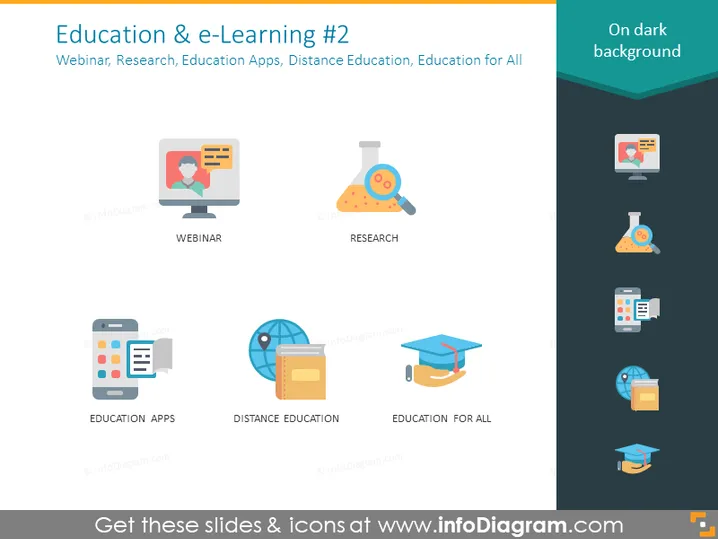
The PowerPoint slide titled "Education & e-Learning #2" covers various aspects of modern learning methods. Webinar indicates an online interactive seminar format. Research suggests a focus on scientific inquiry and investigation aided by digital tools. Education Apps point to mobile applications designed for learning purposes. Distance Education refers to remote learning opportunities beyond traditional classrooms. Lastly, Education for All encapsulates the inclusivity and accessibility of education through technology.
The slide has a contemporary and sleek appearance with a focus on clarity and visual appeal through bold icons and simple labels.



