

Your graphics add a nice touch to my presentations and I recently used them for one of my all-hands meetings. Your toolbox adds professionalism to my slides. Instead of using standard clipart.
Claude Jones, Director of Engineer, @Walmartlabs, USA

Your graphics add a nice touch to my presentations and I recently used them for one of my all-hands meetings. Your toolbox adds professionalism to my slides. Instead of using standard clipart.
Claude Jones, Director of Engineer, @Walmartlabs, USA
I needed a fresh look at some of my slides. I've tried to find a way to create a paintbrush effect, to underline, accentuate, add some color and the handwritten markers were just the things. Very easy to use, easy to size, change the color. It was an affordable, perfect solution and I'm happy to recommend it.
Anonymous, US
The crisp, clean look of the graphics, and the fact that it allowed me to easily edit and change the colors to match the template was my main reason for purchasing them.
Brandie Jenkins, E-learning Developer, USA
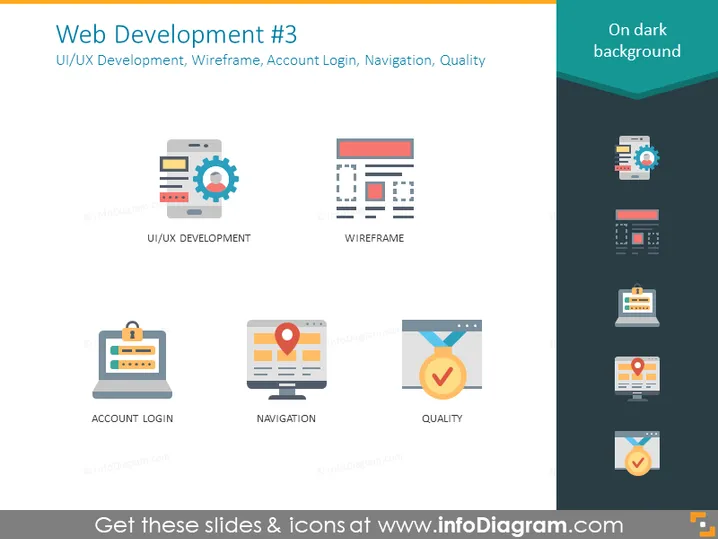
The slide introduces concepts related to web development: UI/UX Development signifies the process of creating interfaces in software or computerized devices with a focus on looks or style; Wireframe represents a visual guide that represents the skeletal framework of a website; Account Login implies the process of entering a username and password to access a user-specific area of a website; Navigation refers to the system that allows visitors to move around a website; Quality ensures that the web elements maintain a high standard and are free of errors.
The slide has a modern, professional design with a clear distinction between elements intended for a light background and those for a dark background.



