
Reviews
Your graphics add a nice touch to my presentations and I recently used them for one of my all-hands meetings. Your toolbox adds professionalism to my slides. Instead of using standard clipart.
I needed a fresh look at some of my slides. I've tried to find a way to create a paintbrush effect, to underline, accentuate, add some color and the handwritten markers were just the things. Very easy to use, easy to size, change the color. It was an affordable, perfect solution and I'm happy to recommend it.
The crisp, clean look of the graphics, and the fact that it allowed me to easily edit and change the colors to match the template was my main reason for purchasing them.
Description
Two Column Comparison
Slide Content
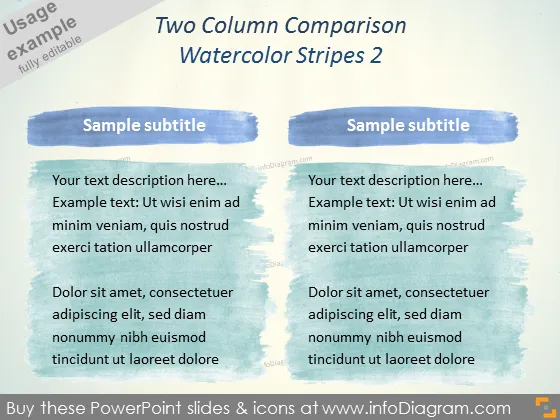
The slide titled "Two Column Comparison" is designed for presenting comparative data or concepts. It is divided into two sections, each with a heading "Sample subtitle" suggesting where a specific topic subtitle would go. Below the subtitles, there are placeholders for text descriptions, providing an example structure to elaborate on each point. The text hints at providing an explanation or a detailed breakdown of the items being compared.
Graphical Look
- The slide background exhibits a textured pattern that emulates a watercolor-painted surface.
- Two prominent blue watercolor stripes function as headers for each column.
- Beneath each watercolor stripe, there is a subtitle area with a light background to enhance readability.
- Each column contains two blocks of placeholder text with a lighter backdrop; the format suggests a hierarchy of information.
- The design implies a visual balance with equal weighting given to both columns.
The slide's overall look is creative and informal due to the watercolor elements, giving it a handcrafted feel. The two-column format is traditional and efficient for comparisons.
Use Cases
- To compare product features in a marketing presentation.
- To discuss pros and cons of different strategies in a management meeting.
- To showcase competitive analysis between two companies.
- To highlight the before-and-after results of a project or initiative.
How to Edit
How to edit text & colors

How to expand / shorten diagram

How to Replace Icons in infoDiagram PPT


