
Your graphics add a nice touch to my presentations and I recently used them for one of my all-hands meetings. Your toolbox adds professionalism to my slides. Instead of using standard clipart.
Claude Jones, Director of Engineer, @Walmartlabs, USA

Your graphics add a nice touch to my presentations and I recently used them for one of my all-hands meetings. Your toolbox adds professionalism to my slides. Instead of using standard clipart.
Claude Jones, Director of Engineer, @Walmartlabs, USA

I needed a fresh look at some of my slides. I've tried to find a way to create a paintbrush effect, to underline, accentuate, add some color and the handwritten markers were just the things. Very easy to use, easy to size, change the color. It was an affordable, perfect solution and I'm happy to recommend it.
Anonymous, US
The crisp, clean look of the graphics, and the fact that it allowed me to easily edit and change the colors to match the template was my main reason for purchasing them.
Brandie Jenkins, E-learning Developer, USA
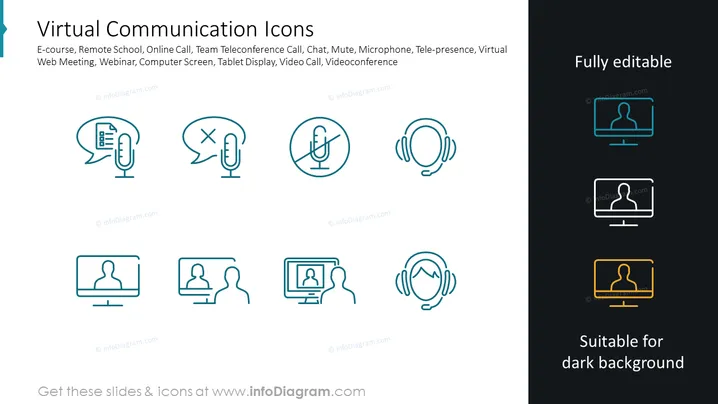
The slide is titled "Virtual Communication Icons" and includes a variety of icons and text related to online interactions: E-course (icon with a document symbol, implying online learning materials), Remote School (depicting distance learning environments), Online Call (symbolizing calls made over the internet), Team Teleconference Call (illustrating a group meeting conducted virtually), Chat (an icon that represents text-based online communication), Mute (which shows a microphone with a strike, indicating silencing the audio), Microphone (for audio input during virtual communication), Tele-presence (depicting a person in a screen, representing a virtual presence), Virtual Web Meeting (a screen showing a video interaction among participants), Webinar (suggesting an online seminar format), Computer Screen (a monitor, likely representing the interface for these activities), Tablet Display (a mobile approach to virtual communication), Video Call and Videoconference (both showing people engaging in face-to-face dialogue through technology).
The slide uses minimal color, sticking mainly to teal with a contrast of dark backgrounds for emphasis, clean lines, and a modern, professional aesthetic. The icons are sleek and contemporary, easily conveying their functions through familiar digital symbols.


