

Your graphics add a nice touch to my presentations and I recently used them for one of my all-hands meetings. Your toolbox adds professionalism to my slides. Instead of using standard clipart.
Claude Jones, Director of Engineer, @Walmartlabs, USA

Your graphics add a nice touch to my presentations and I recently used them for one of my all-hands meetings. Your toolbox adds professionalism to my slides. Instead of using standard clipart.
Claude Jones, Director of Engineer, @Walmartlabs, USA
I needed a fresh look at some of my slides. I've tried to find a way to create a paintbrush effect, to underline, accentuate, add some color and the handwritten markers were just the things. Very easy to use, easy to size, change the color. It was an affordable, perfect solution and I'm happy to recommend it.
Anonymous, US
The crisp, clean look of the graphics, and the fact that it allowed me to easily edit and change the colors to match the template was my main reason for purchasing them.
Brandie Jenkins, E-learning Developer, USA
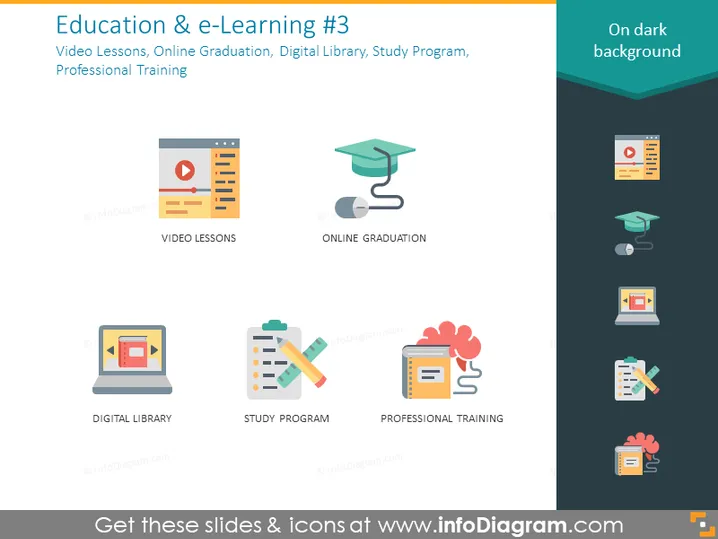
The slide is titled "Education & e-Learning #3" and covers aspects of online education and professional development. It lists four key components: Video Lessons, Online Graduation, Digital Library, and Study Program, with Professional Training included as an additional element. Video Lessons likely refer to instructional content delivered through video. Online Graduation could signify the completion of a program via the internet. Digital Library means a collection of digital media resources. Study Program represents a structured educational course or curriculum. Professional Training implies specialized education related to a specific career or profession.
The slide features a modern and clean design with simplified, stylized icons that are easy to interpret. The use of vibrant colors against a dark background creates an appealing visual contrast that draws attention to each element.



