
Your graphics add a nice touch to my presentations and I recently used them for one of my all-hands meetings. Your toolbox adds professionalism to my slides. Instead of using standard clipart.
Claude Jones, Director of Engineer, @Walmartlabs, USA

Your graphics add a nice touch to my presentations and I recently used them for one of my all-hands meetings. Your toolbox adds professionalism to my slides. Instead of using standard clipart.
Claude Jones, Director of Engineer, @Walmartlabs, USA

I needed a fresh look at some of my slides. I've tried to find a way to create a paintbrush effect, to underline, accentuate, add some color and the handwritten markers were just the things. Very easy to use, easy to size, change the color. It was an affordable, perfect solution and I'm happy to recommend it.
Anonymous, US
The crisp, clean look of the graphics, and the fact that it allowed me to easily edit and change the colors to match the template was my main reason for purchasing them.
Brandie Jenkins, E-learning Developer, USA
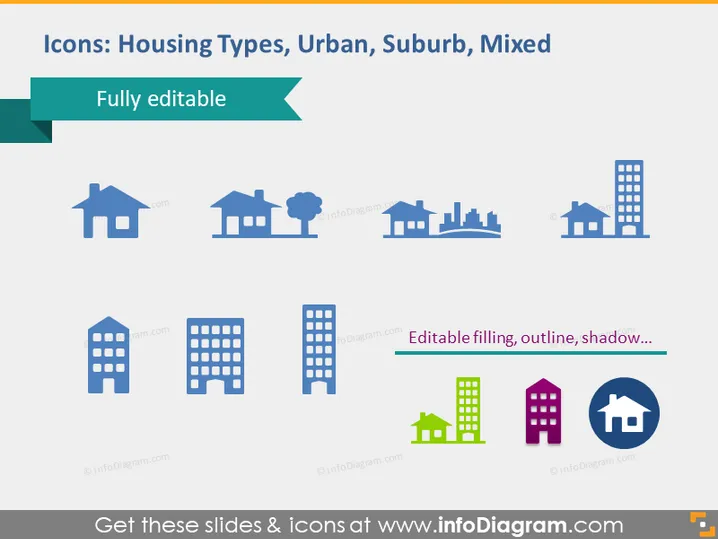
The slide consists of categorized housing type icons representing different residential environments. The icons display a range of homes from a single house to high-rise buildings, indicating varying densities and scales. For instance, a single-family home icon signifies suburban or rural standalone dwellings, whereas a high-rise icon exemplifies urban residential buildings within densely populated city areas. The "Mixed" category likely denotes diverse housing options within a given locale. Each icon is labeled "Fully editable," pointing to the ability to customize their appearance in a presentation.
The slide has a clean, professional look with ample whitespace balancing the colorful icons. The flat design of the graphics offers a modern aesthetic suitable for professional presentations.


