

Your graphics add a nice touch to my presentations and I recently used them for one of my all-hands meetings. Your toolbox adds professionalism to my slides. Instead of using standard clipart.
Claude Jones, Director of Engineer, @Walmartlabs, USA

Your graphics add a nice touch to my presentations and I recently used them for one of my all-hands meetings. Your toolbox adds professionalism to my slides. Instead of using standard clipart.
Claude Jones, Director of Engineer, @Walmartlabs, USA
I needed a fresh look at some of my slides. I've tried to find a way to create a paintbrush effect, to underline, accentuate, add some color and the handwritten markers were just the things. Very easy to use, easy to size, change the color. It was an affordable, perfect solution and I'm happy to recommend it.
Anonymous, US
The crisp, clean look of the graphics, and the fact that it allowed me to easily edit and change the colors to match the template was my main reason for purchasing them.
Brandie Jenkins, E-learning Developer, USA
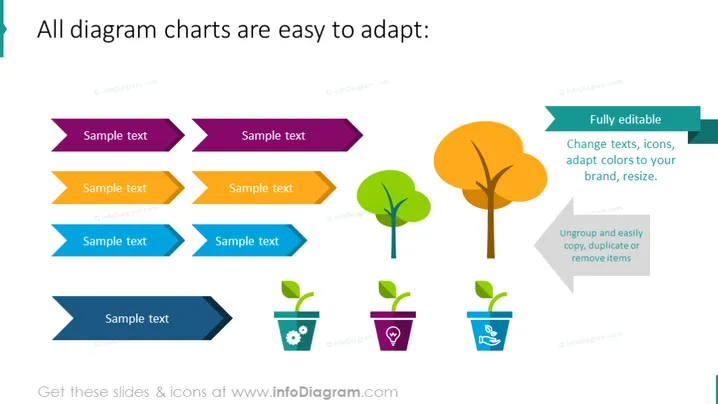
The slide is focused on demonstrating the adaptability of various diagram charts. It features example text placeholders paired with each graphic element to showcase how text can be associated with specific parts of the diagrams. The slide highlights these aspects: "Fully editable," meaning users can change texts, icons, and colors to align with their brand or desired aesthetics; "Ungroup and easily copy, duplicate or remove items," which indicates these diagrams are flexible and can be modified without much complexity. Each pair of arrows represents a potential point for customization in a presentation.
The slide has a clean and modern aesthetic, primarily utilizing flat design elements and simple shapes. The color palette is bold and varied, creating visual interest and segmenting the content effectively.



