
Reviews
The icons are fantastic, easy to use, and will add value to any project or presentation. Keep up the great work.
I love how simple infoDiagram's solutions are and the personal interest they took in my work. Recommended 1000%!
The crisp, clean look of the graphics, and the fact that it allowed me to easily edit and change the colors to match the template was my main reason for purchasing them.
Description
Rail & Maritime Transport 3D Icons
Slide Content
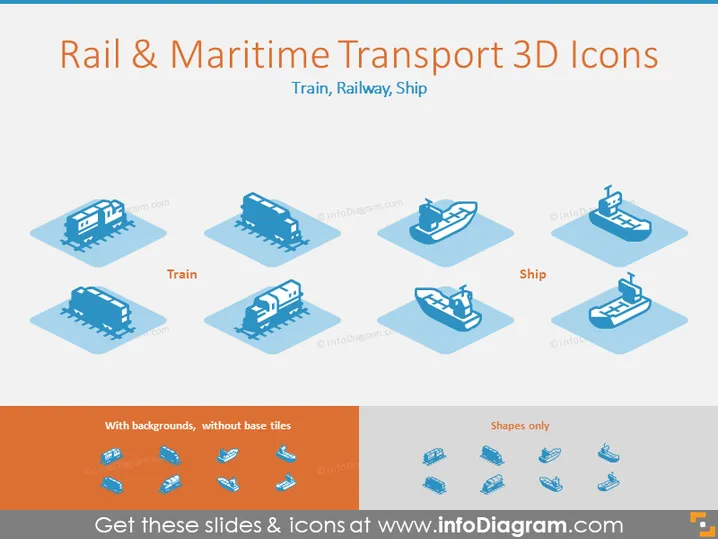
The slide displays a collection of stylized 3D icons related to rail and maritime transport. "Train" and "Ship" are specified as categories, with each featuring a selection of icons. Trains display various locomotive and carriage types, while ships show different vessel designs. Two styles are presented: "With backgrounds, without base tiles," displaying icons on a shaded square background, and "Shapes only," showcasing icons without any background.
Graphical Look
- The slide background is plain white, which accentuates the icons and text.
- Two main text labels "Train" and "Ship" categorize the icons into sections.
- Six icons are shown under each category, arranged in two rows of three, each icon is placed on a light blue shaded square.
- Icons in the 'Without backgrounds' section retain the light blue shading, while 'Shapes only' present clear silhouettes.
- Color palette is limited to shades of blue, light blue for icons and backgrounds, and a darker blue for text.
- There is a contrasting orange strip at the bottom with text describing the icon styles.
The slide is clean and visually well-organized, with ample white space around grouped elements. The consistent use of color and style provides a professional and thematic coherence.
Use Cases
- Presenting transportation options in a logistics or supply chain presentation.
- Comparing rail and maritime transport efficiencies in a business strategy meeting.
- Highlighting transport assets in an infrastructure investment proposal.
- Decorating slides in a transportation industry conference or webinar.
How to Edit
How to edit text & colors

How to expand / shorten diagram

How to Replace Icons in infoDiagram PPT


