

Your graphics add a nice touch to my presentations and I recently used them for one of my all-hands meetings. Your toolbox adds professionalism to my slides. Instead of using standard clipart.
Claude Jones, Director of Engineer, @Walmartlabs, USA

Your graphics add a nice touch to my presentations and I recently used them for one of my all-hands meetings. Your toolbox adds professionalism to my slides. Instead of using standard clipart.
Claude Jones, Director of Engineer, @Walmartlabs, USA
I needed a fresh look at some of my slides. I've tried to find a way to create a paintbrush effect, to underline, accentuate, add some color and the handwritten markers were just the things. Very easy to use, easy to size, change the color. It was an affordable, perfect solution and I'm happy to recommend it.
Anonymous, US
The crisp, clean look of the graphics, and the fact that it allowed me to easily edit and change the colors to match the template was my main reason for purchasing them.
Brandie Jenkins, E-learning Developer, USA
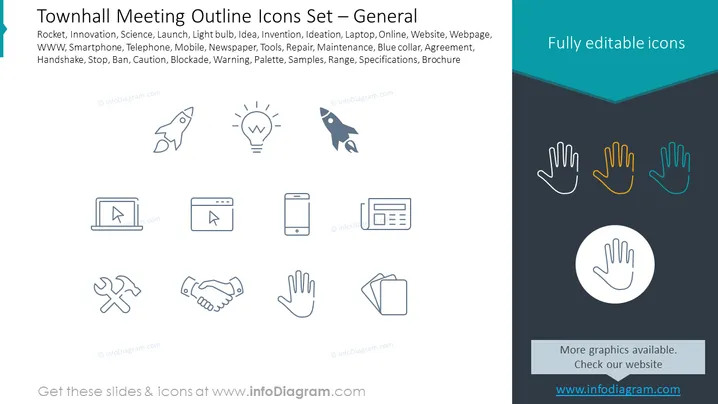
Slide Content: The slide presents a series of icons related to general topics that could be discussed in a townhall meeting. It includes icons for "Rocket" (representing innovation or new projects), "Light bulb" (symbolizing ideas or inspiration), "Laptop" (online activities or information technology), "Smartphone" and "Telephone" (communication methods), "Newspaper" (news or updates), "Tools" (maintenance or manual work), "Handshake" (agreements or partnerships), "Stop, Ban, Caution" (warnings or prohibited actions), "Blockade" (barriers or impediments), "Warning" (alerts or important notices), "Palette" (creativity or design), "Samples" (examples or demonstrations), "Range" (variety or scope), "Specifications" (detailed descriptions), "Brochure" (information or promotional material). Each icon serves as a visual representation for these different concepts.
Graphical Look:
The slide has a modern and minimalistic design that uses simple line icons and a visually appealing color contrast. The clear delineation of space makes the content easy to distinguish and understand.
Use Cases:
Use Cases:
To visually summarize the agenda or key discussion points in a townhall meeting.
To enhance audience engagement by using recognizable visuals when presenting different topics.
For presenters to quickly reference various topics without textual descriptions during the meeting.
To provide a template for meeting minutes or follow-up documents, aligning each agenda item with its icon.



