Townhall Meeting Outline Icons Set – Finance
Slide Content:
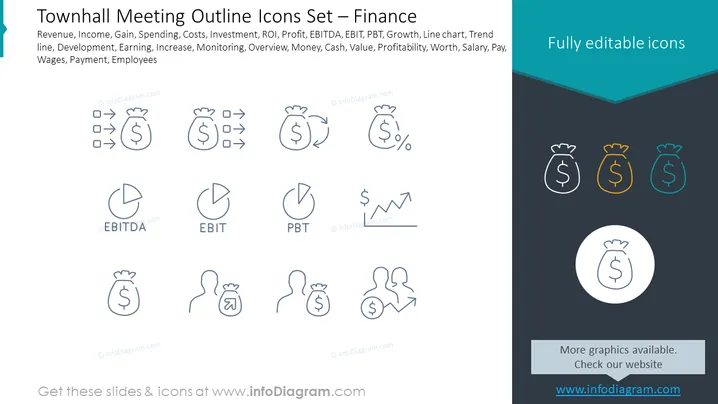
The PowerPoint slide is titled "Townhall Meeting Outline Icons Set – Finance" and it presents a collection of financial icons representing various business concepts. Each icon is paired with a term, such as "Revenue," "Income," "Gain," "Spending," "Costs," "Investment," "ROI," "Profit," "EBITDA," "EBIT," "PBT," "Growth," "Line chart," "Trend line," "Development," "Earning," "Increase," "Monitoring," "Overview," "Money," "Cash," "Value," "Profitability," "Worth," "Salary," "Pay," "Wages," and "Employees." These terms cover a broad range of financial and business metrics important for discussions in a townhall meeting setting.
Graphical Look:
- The slide background is split diagonally with the upper portion in white and the lower in a dark teal color.
- The title is located at the top left corner in dark text.
- A series of line icons are evenly distributed across the slide, each representing different financial concepts.
- Icons are simple, outline-style graphics and include symbols for revenue (arrow pointing to a bag of money), investment (dollars with growth arrow), costs (dollar and percentage), EBITDA (pie chart), EBIT (pie chart), PBT (dollar with trend line), and employee wages (two person silhouettes with a money symbol).
- Three icons are highlighted in a teal rectangle at the top right corner with a text label "Fully editable icons."
- On the lower right, a circular icon with a money bag is placed on a white circle overlaying the teal section, with another text label "More graphics available. Check our website" above the website URL.
The slide is visually divided to create a contrasting effect, and the icons use a consistent line-based design to appear clean and professional. The highlighted icons attract attention, suggesting these are special or commonly used, while the rest of the slide is clearly organized for easy readability.
Use Cases:
- During a company townhall meeting to visually support financial discussions and updates.
- In business presentations to explain various financial metrics or KPIs to stakeholders or investors.
- For educational purposes, to teach students or new employees about different financial concepts in a corporate training session.
- As a part of a pitch deck to potential investors, using icons to represent financial goals, current status, or projections.