

Your graphics add a nice touch to my presentations and I recently used them for one of my all-hands meetings. Your toolbox adds professionalism to my slides. Instead of using standard clipart.
Claude Jones, Director of Engineer, @Walmartlabs, USA

Your graphics add a nice touch to my presentations and I recently used them for one of my all-hands meetings. Your toolbox adds professionalism to my slides. Instead of using standard clipart.
Claude Jones, Director of Engineer, @Walmartlabs, USA
I needed a fresh look at some of my slides. I've tried to find a way to create a paintbrush effect, to underline, accentuate, add some color and the handwritten markers were just the things. Very easy to use, easy to size, change the color. It was an affordable, perfect solution and I'm happy to recommend it.
Anonymous, US
The crisp, clean look of the graphics, and the fact that it allowed me to easily edit and change the colors to match the template was my main reason for purchasing them.
Brandie Jenkins, E-learning Developer, USA
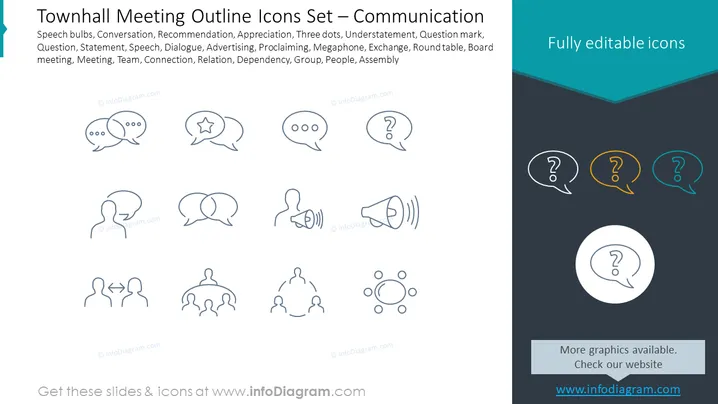
Slide Content: This PowerPoint slide displays a collection of icons associated with communication, particularly in the context of town hall meetings. The icons represent various concepts like Speech bulbs (indicating conversation), Recommendation (often used to imply providing guidance), Appreciation (showing recognition or praise), Three dots (typically representing continuation or more information), Understatement, Question mark (signifying inquiry or a need for clarification), Statement, Speech, Dialogue, Advertising, Proclaiming (to announce something important), Megaphone (implying amplification of a message), Exchange (denoting conversation or a swap of ideas), Round table (symbolizing inclusive discussion), Board meeting, Meeting, Team, Connection, Relation, Dependency, Group, People, and Assembly.
Graphical Look:
The overall look of the slide is clean and professional, with a simple color scheme that emphasizes clarity and ease of understanding. The icons are depicted in a uniform style which creates a cohesive visual identity for the theme of town hall communication.
Use Cases:



