

Your graphics add a nice touch to my presentations and I recently used them for one of my all-hands meetings. Your toolbox adds professionalism to my slides. Instead of using standard clipart.
Claude Jones, Director of Engineer, @Walmartlabs, USA

Your graphics add a nice touch to my presentations and I recently used them for one of my all-hands meetings. Your toolbox adds professionalism to my slides. Instead of using standard clipart.
Claude Jones, Director of Engineer, @Walmartlabs, USA
I needed a fresh look at some of my slides. I've tried to find a way to create a paintbrush effect, to underline, accentuate, add some color and the handwritten markers were just the things. Very easy to use, easy to size, change the color. It was an affordable, perfect solution and I'm happy to recommend it.
Anonymous, US
The crisp, clean look of the graphics, and the fact that it allowed me to easily edit and change the colors to match the template was my main reason for purchasing them.
Brandie Jenkins, E-learning Developer, USA
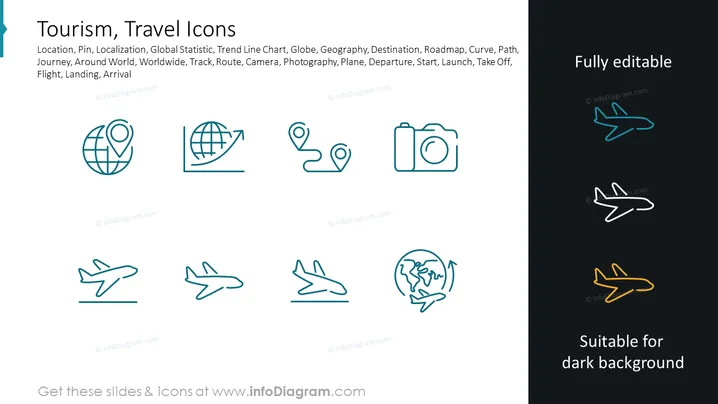
This PowerPoint slide titled "Tourism, Travel Icons" showcases a collection of line icons that suggestively represent various concepts and activities related to travel and tourism. The icons include representations for location, trending statistics, the globe, geographical positioning, destinations, routes, a camera for photography, and different stages of an airplane's movement, including departure, launch, and arrival. Each icon is paired with a label that explains its meaning such as "Location, Pin" for geolocation, "Global Statistic, Trend Line Chart" for tracking tourism trends, "Globe, Geography" representing global travel, "Camera, Photography" for capturing travel memories, and "Plane, Departure, Start, Launch, Take Off, Flight, Landing, Arrival" depicting various aspects of air travel.
The slide background is divided, with white on the left side and dark background on the right side.
There is a bold level 2 header in teal at the top of the slide stating "Tourism, Travel Icons."
Below the title, there is a line of smaller text describing the different icons represented.
Eight icons are arranged in a 2x4 grid format, four on the light side and duplicated four on the dark side.
Each icon is designed in a minimalistic line art style and includes:
The text "Fully editable" is placed in a box at the top right corner of the slide, and "Suitable for dark background" is at the bottom right corner, both in contrasting colors.
The visual composition is clean and symmetrical, with icons neatly placed for visual balance.
No footer information is included in this analysis.
The overall look of the slide is modern and professional, with a clear emphasis on the icons as the main visual elements. The contrasting backgrounds demonstrate the icons' versatility for different presentation styles.



