
Reviews
Ihre Grafiken verleihen meinen Präsentationen eine nette Note, und ich habe sie kürzlich für eines meiner All-Hands-Meetings verwendet. Ihre Toolbox verleiht meinen Folien Professionalität, anstatt Standard-Clipart zu verwenden.
Ich brauchte einen neuen Blick auf einige meiner Folien. Ich habe versucht, einen Weg zu finden, einen Pinselschlag-Effekt zu erzielen, um zu unterstreichen, hervorzuheben, Farbe hinzuzufügen, und die handgeschriebenen Markierungen waren genau das Richtige. Sehr einfach zu bedienen, leicht in der Größe zu ändern, die Farbe zu ändern. Es war eine erschwingliche, perfekte Lösung und ich empfehle sie gerne weiter.
Die klare, saubere Optik der Grafiken und die Tatsache, dass ich die Farben leicht bearbeiten und an die Vorlage anpassen konnte, war mein Hauptgrund für den Kauf.
Description
Slide title.
Plain text slide
Slide Content
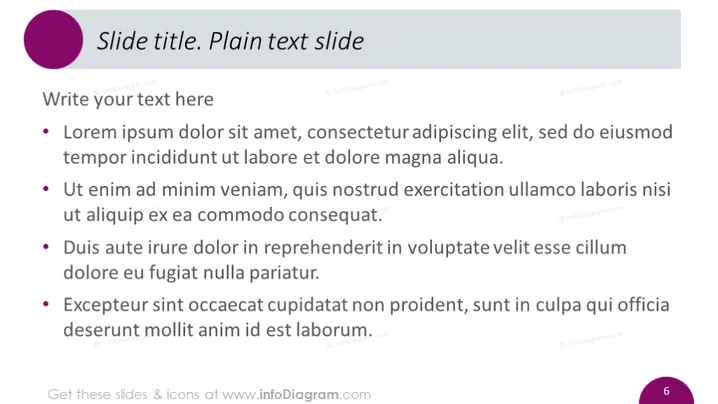
The PowerPoint slide is titled "Plain text slide" and contains instructions to "Write your text here" with a list of four bullet points underneath. The bullet points are placeholders for the user to add their own content. Each bullet point provides a common example of placeholder text, often used in design and typography to demonstrate the visual form of a document or a typeface without relying on meaningful content.
Graphical Look
- A large, circular, deep purple shape is located in the top left corner, serving as a background for a white text title "Slide title."
- Directly below, a secondary title or subtitle "Plain text slide" appears in a smaller font, italicized for emphasis.
- The main content area contains the phrase "Write your text here" as a header, followed by four bullet points each with a block of placeholder 'Lorem Ipsum' text.
- The slide background is white, providing a stark contrast to the colored text and shapes.
- A slide number "6" is positioned in the bottom right corner in a light grey color, blending with the slide's clean, minimalistic design.
The overall look of the slide is simple and minimalistic, with a clean white background that offers a clear contrast to the dark text and purple circular shape. The design is professional, modern, and functional with a focus on content readability and structure.
Use Cases
- This slide could be used as a template for various sections in a professional business presentation where concise, bulleted information is required.
- Ideal for outlining key points in a project proposal, summarizing research findings, or listing action items in a meeting.
- Can be used in educational or training settings to present a list of topics, learning objectives, or discussion points.
- Suitable for webinars or online presentations as a backdrop to a speaker's narrative, enumerating main ideas or takeaways.
How to Edit
How to edit text & colors

How to expand / shorten diagram

How to Replace Icons in infoDiagram PPT


