
Reviews
Your graphics add a nice touch to my presentations and I recently used them for one of my all-hands meetings. Your toolbox adds professionalism to my slides. Instead of using standard clipart.
I needed a fresh look at some of my slides. I've tried to find a way to create a paintbrush effect, to underline, accentuate, add some color and the handwritten markers were just the things. Very easy to use, easy to size, change the color. It was an affordable, perfect solution and I'm happy to recommend it.
The crisp, clean look of the graphics, and the fact that it allowed me to easily edit and change the colors to match the template was my main reason for purchasing them.
Description
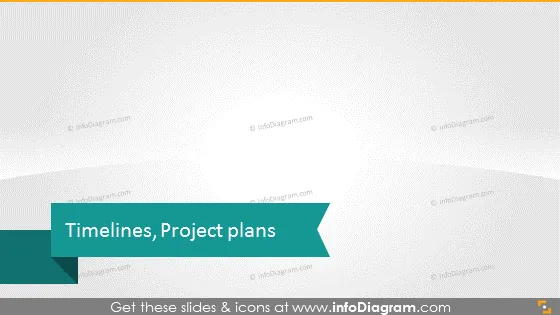
Timelines, Project plans
Slide Content
The PowerPoint slide is titled "Timelines, Project plans," which implies a focus on tools and methodologies for organizing, tracking, and presenting different stages and elements within a project. This would include timelines depicting key milestones, deadlines, and the sequence of tasks needing completion. Project plans typically encompass a broader scope, detailing resources, budgets, responsibilities, and strategies geared toward achieving the project's goals.
Graphical Look
- The slide has a minimalist and professional design.
- Title is centered at the lower third of the slide, in large white font, on a dark turquoise ribbon-like shape with a fold effect at the right end.
- Background is a light grey with a subtle overlay of white wavy shapes providing a sense of texture or topography.
- No additional graphics, icons, or bullet points visible.
- No footer information is visible.
The slide has a clean and modern aesthetic with a focus on the title for clarity and emphasis. The text is easily readable against the contrasting ribbon shape, while the background texture adds a layer of depth without distracting from the main content.
Use Cases
- To introduce a section on project planning in a business presentation.
- To serve as a title slide before delving into the specifics of project timelines and schedules.
- To preface a strategic meeting where project timelines and milestones will be discussed.
- To visually break up a presentation, clearly indicating a new topic related to project management.
How to Edit
How to edit text & colors

How to expand / shorten diagram

How to Replace Icons in infoDiagram PPT


