

Your graphics add a nice touch to my presentations and I recently used them for one of my all-hands meetings. Your toolbox adds professionalism to my slides. Instead of using standard clipart.
Claude Jones, Director of Engineer, @Walmartlabs, USA

Your graphics add a nice touch to my presentations and I recently used them for one of my all-hands meetings. Your toolbox adds professionalism to my slides. Instead of using standard clipart.
Claude Jones, Director of Engineer, @Walmartlabs, USA
I needed a fresh look at some of my slides. I've tried to find a way to create a paintbrush effect, to underline, accentuate, add some color and the handwritten markers were just the things. Very easy to use, easy to size, change the color. It was an affordable, perfect solution and I'm happy to recommend it.
Anonymous, US
The crisp, clean look of the graphics, and the fact that it allowed me to easily edit and change the colors to match the template was my main reason for purchasing them.
Brandie Jenkins, E-learning Developer, USA
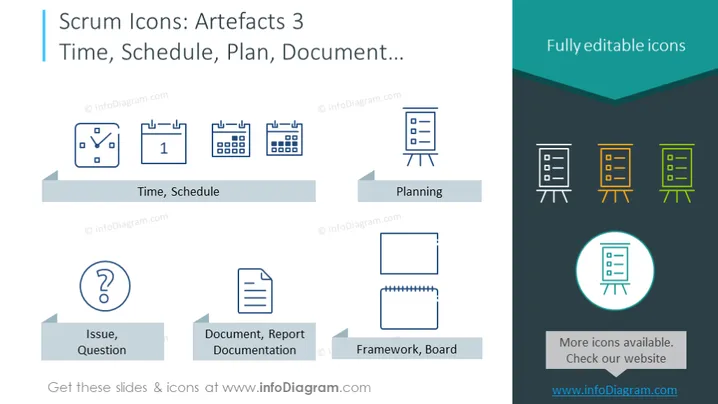
The slide is part of a Scrum series focused on artifacts related to time management, planning, and documentation. It presents icons for 'Time, Schedule', which may include tools like calendars and clocks to track timelines. 'Planning' is represented by a board with sticky notes, suggesting the organization of tasks and sprints. 'Issue, Question' signifies challenges or inquiries that may arise, while 'Document, Report Documentation' and 'Framework, Board' icons suggest the importance of keeping records and establishing structured approaches within Scrum projects.
The overall design of the slide is straightforward and professional, with a clear emphasis on iconography to convey the various Scrum artifacts. The color scheme is limited but effective, using blue, grey, and teal to create a cohesive visual experience.



