
Reviews
Sus gráficos añaden un toque agradable a mis presentaciones y recientemente los usé para una de mis reuniones generales. Su conjunto de herramientas añade profesionalismo a mis diapositivas. En lugar de usar imágenes prediseñadas estándar.
Necesitaba un aspecto fresco para algunas de mis diapositivas. Había intentado encontrar una forma de crear un efecto de pincel, de subrayar, acentuar, añadir algo de color y los marcadores escritos a mano fueron justo lo que necesitaba. Muy fácil de usar, fácil de ajustar el tamaño, cambiar el color. Fue una solución asequible y perfecta, y estoy feliz de recomendarla.
El aspecto nítido y limpio de los gráficos, y el hecho de que me permitiera editar y cambiar fácilmente los colores para que coincidieran con la plantilla fue mi principal razón para comprarlos.
Description
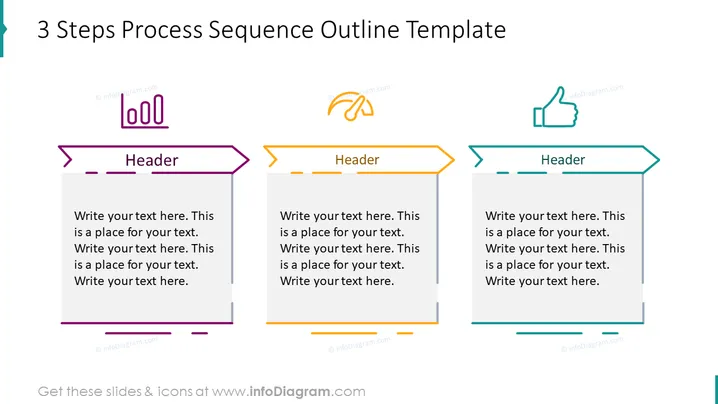
3 Steps Process Sequence Outline Template
Slide Content
The slide presents a three-step process using a visual sequence outline. Each step is denoted by a rectangular speech bubble-like box with arrowed borders, suggesting progression. The first step is displayed with a purple theme, the second with an orange theme, and the third with a teal theme. The headers signal the start of a new section or step, and beneath each header, there is a placeholder text where specific details of each step can be described further.
Graphical Look
- The slide features a white background.
- Three rectangular, speech bubble-like shapes represent the steps of a process.
- Each shape has an arrow on one side, indicating a sequence or flow.
- The shapes are colored differently with outline strokes, matching the icons at the top: purple, orange, and teal.
- There are three icons above the shapes: stylized representations of a document, a handshake, and a thumbs-up, aligned with each respective step.
- Each step has a header box with dummy text, and a larger text box for additional details.
- The boxes have dashed lines and solid lines as design elements, providing a neat and organized appearance.
The slide has a clean and modern design, with use of color-coding and icons to visually distinguish each step of the process. It appears professionally composed, using simple graphics and a clear layout to aid in presenting information effectively.
Use Cases
- Outlining steps in a business process or workflow during internal presentations.
- Explaining phases of a project or strategy to stakeholders in a meeting.
- Demonstrating the sequence of actions in customer service protocols.
- Summarizing the stages of product development in a pitch to investors.
How to Edit
How to edit text & colors

How to expand / shorten diagram

How to Replace Icons in infoDiagram PPT


