Reviews
Sus gráficos añaden un toque agradable a mis presentaciones y recientemente los usé para una de mis reuniones generales. Su conjunto de herramientas añade profesionalismo a mis diapositivas. En lugar de usar imágenes prediseñadas estándar.
Necesitaba un aspecto fresco para algunas de mis diapositivas. Había intentado encontrar una forma de crear un efecto de pincel, de subrayar, acentuar, añadir algo de color y los marcadores escritos a mano fueron justo lo que necesitaba. Muy fácil de usar, fácil de ajustar el tamaño, cambiar el color. Fue una solución asequible y perfecta, y estoy feliz de recomendarla.
El aspecto nítido y limpio de los gráficos, y el hecho de que me permitiera editar y cambiar fácilmente los colores para que coincidieran con la plantilla fue mi principal razón para comprarlos.
Description
Slide title. Text + picture
Slide Content
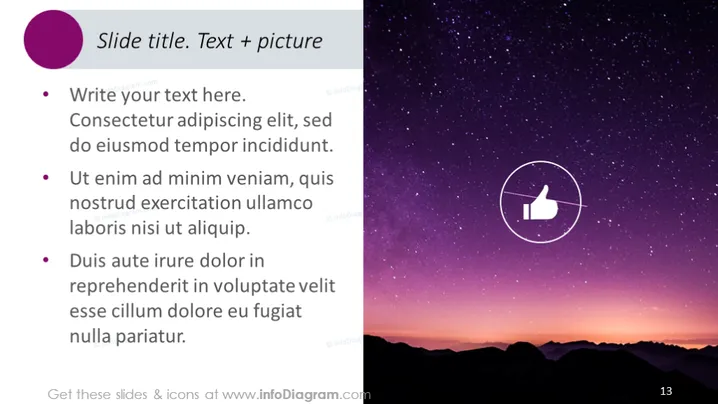
This mock PowerPoint slide titled "Slide title. Text + picture" serves as a template for presenting information accompanied by a relevant image. The slide contains placeholder text that demonstrates how bullet points can be structured:
- "Write your text here. Consectetur adipiscing elit, sed do eiusmod tempor incididunt." This represents a generic introduction or leading statement.
- "Ut enim ad minim veniam, quis nostrud exercitation ullamco laboris nisi ut aliquip." Suggests continuing explanation or providing details supporting the first statement.
- "Duis aute irure dolor in reprehenderit in voluptate velit esse cillum dolore eu fugiat nulla pariatur." Typically concludes the bullet points, possibly summarizing or offering a final thought on the topic.
Graphical Look
- A large, dark purple circle in the upper left corner serves as a background for the slide title, which is in white font.
- Three bullet points on the left side of the slide, each beginning with a red bullet and followed by placeholder text in white font.
- On the right side, a photograph of a night sky filled with stars above a silhouette of mountainous terrain.
- Centered within the image on the right side, an icon depicting a white thumbs-up symbol inside a circle with a thin white outline.
- The slide has a layout that is half text on a dark background and half photographic image, with a clear divide between the two halves.
- The page number "13" is displayed in white font in the lower right corner.
The slide features a modern and clean design, combining text and imagery in a balanced composition. The color contrast between the text and the dark background enhances readability while the image adds a visual element that draws interest.

Use Cases
- To introduce a new concept or idea in a business presentation, using the text for explanations and the image for visual reinforcement.
- As a closing slide summarizing key points of a presentation, with the thumbs -up icon symbolizing approval or success.
- For marketing presentations where visual appeal is crucial, using the image to connect with the audience emotionally while the text conveys the message.
- In educational or training sessions to illustrate a topic with the photo serving as a mnemonic aid, and the bullet points detailing the learning objectives or key takeaways.
How to Edit
How to edit text & colors

How to expand / shorten diagram

How to Replace Icons in infoDiagram PPT


