

Your graphics add a nice touch to my presentations and I recently used them for one of my all-hands meetings. Your toolbox adds professionalism to my slides. Instead of using standard clipart.
Claude Jones, Director of Engineer, @Walmartlabs, USA

Your graphics add a nice touch to my presentations and I recently used them for one of my all-hands meetings. Your toolbox adds professionalism to my slides. Instead of using standard clipart.
Claude Jones, Director of Engineer, @Walmartlabs, USA
I needed a fresh look at some of my slides. I've tried to find a way to create a paintbrush effect, to underline, accentuate, add some color and the handwritten markers were just the things. Very easy to use, easy to size, change the color. It was an affordable, perfect solution and I'm happy to recommend it.
Anonymous, US
The crisp, clean look of the graphics, and the fact that it allowed me to easily edit and change the colors to match the template was my main reason for purchasing them.
Brandie Jenkins, E-learning Developer, USA
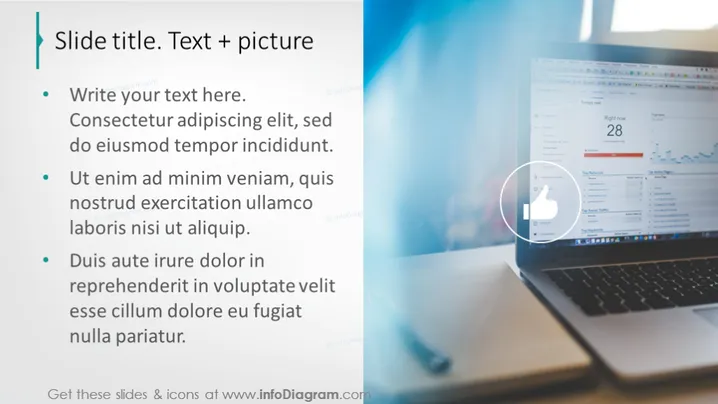
Text + picture
The slide presents a list of bulleted text points, each elaborating on different aspects of a certain topic. The first bullet point invites the audience to add their text, possibly as an introductory statement. The following points seem to discuss principles or steps related to a process, emphasizing action phrases like "Ut enim ad minim veniam" and "Duis aute irure dolor," which, although in Latin, suggest sections for detailed content or strategic information.
The slide is visually balanced, using a clean and professional design. It employs a clear contrast between text and imagery to convey a focused message while drawing attention to specific details.



