
Reviews
Your slides are my "secret sauce" when it comes to presenting my ideas to clients. I save a lot of time.
J'avais un délai de livraison à respecter et je n'avais pas le temps de créer une variété de modèles de diapositives. Infodiagram m'a proposé des options faciles à télécharger et à personnaliser en fonction de mes besoins !
Vos diapositives suscitent souvent de précieux commentaires et idées de la part de mon équipe, ce qui améliore les diapositives finales.
Description
TEXT AND LOCATION DATA
Slide Content
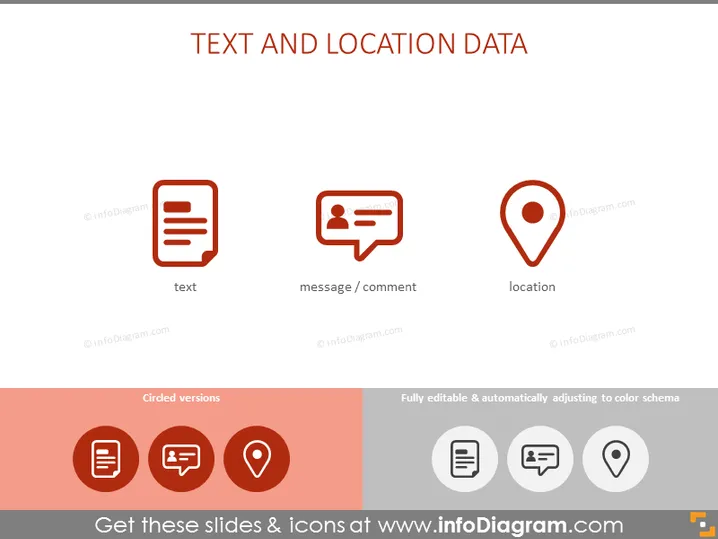
The slide is titled "TEXT AND LOCATION DATA" and presents three key concepts associated with data management: text, message/comment, and location. The 'text' refers to raw text data, which could represent content in documents or fields in a database. The 'message/comment' element likely pertains to user-generated content such as feedback or annotations. The 'location' is self-explanatory, dealing with geographic data which can be used for mapping or spatial analysis.
Graphical Look
- The slide has a clean, minimalist design with a white background.
- The title "TEXT AND LOCATION DATA" is in bold, black font centered at the top of the slide.
- Below the title, there are three evenly spaced icons, each with accompanying labels.
- The first icon depicts a document with lines of text, labeled "text".
- The second icon shows a speech bubble with a user icon and is labeled "message / comment".
- The third icon is a classic map pinpoint symbol, labeled "location".
- The bottom section of the slide is shaded in a reddish-brown tone.
- This section features additional icons in a circled version on the left and mentions "Fully editable & automatically adjusting to color schema" on the right.
- The circled icons correspond to the three main icons above them, reinforcing the slide's content.
The overall look of the slide is professional and modern, with well-organized visual elements that make the information clear and easily absorbable.
Use Cases
- Illustrating various types of data that a software application can handle, especially for mobile apps or location-based services.
- Outlining the features of a content management system (CMS) or customer relationship management (CRM) in a business meeting.
- Using during a training session to teach employees about different data categories they will work with in their roles.
- Presenting a new marketing strategy that incorporates geo-targeting and personalized customer communication based on the data types described.
How to Edit
How to edit text & colors

How to expand / shorten diagram

How to Replace Icons in infoDiagram PPT


