

Your graphics add a nice touch to my presentations and I recently used them for one of my all-hands meetings. Your toolbox adds professionalism to my slides. Instead of using standard clipart.
Claude Jones, Director of Engineer, @Walmartlabs, USA

Your graphics add a nice touch to my presentations and I recently used them for one of my all-hands meetings. Your toolbox adds professionalism to my slides. Instead of using standard clipart.
Claude Jones, Director of Engineer, @Walmartlabs, USA
I needed a fresh look at some of my slides. I've tried to find a way to create a paintbrush effect, to underline, accentuate, add some color and the handwritten markers were just the things. Very easy to use, easy to size, change the color. It was an affordable, perfect solution and I'm happy to recommend it.
Anonymous, US
The crisp, clean look of the graphics, and the fact that it allowed me to easily edit and change the colors to match the template was my main reason for purchasing them.
Brandie Jenkins, E-learning Developer, USA
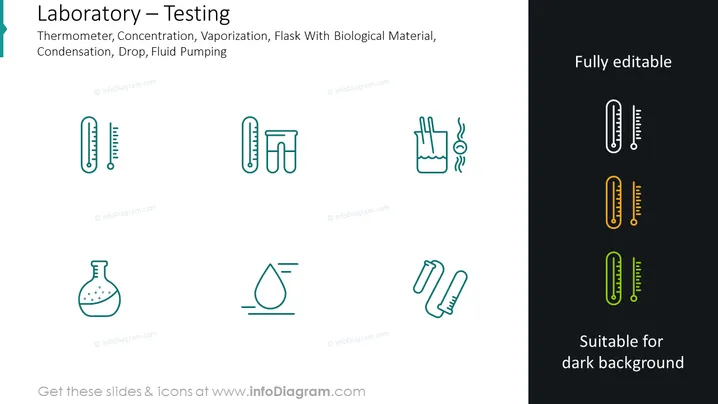
This PowerPoint slide provides an overview of various laboratory testing procedures and tools. It includes icons and text related to "Thermometer" for measuring temperature; "Concentration" likely involves measuring the amount of a substance in a solution; "Vaporization" refers to the process where liquid turns into vapor; "Flask With Biological Material" might be used for culturing or testing biological samples; "Condensation" involves a gas turning back into a liquid; "Drop" symbolizes liquid handling, and "Fluid Pumping" indicates the movement of fluids within a lab setting.
The PowerPoint slide presents a clean, modern design with a professional look, utilizing contrasting colors and simple icons to convey its message. The dichotomy of background colors illustrates the adaptability of the slide for different visual themes.



