
Reviews
Your graphics add a nice touch to my presentations and I recently used them for one of my all-hands meetings. Your toolbox adds professionalism to my slides. Instead of using standard clipart.
I needed a fresh look at some of my slides. I've tried to find a way to create a paintbrush effect, to underline, accentuate, add some color and the handwritten markers were just the things. Very easy to use, easy to size, change the color. It was an affordable, perfect solution and I'm happy to recommend it.
The crisp, clean look of the graphics, and the fact that it allowed me to easily edit and change the colors to match the template was my main reason for purchasing them.
Description
Technical Work Tools Icons
Slide Content
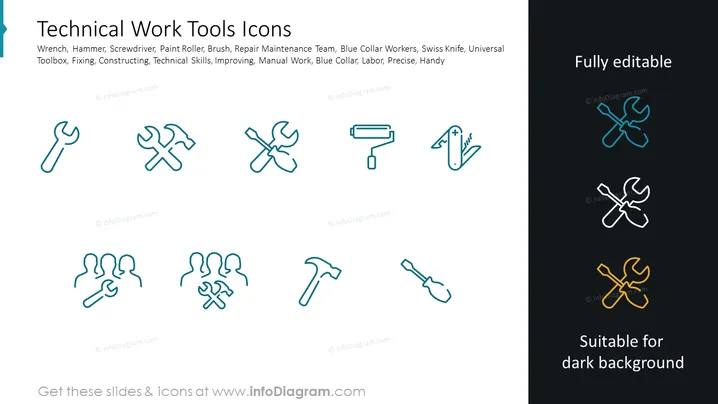
This PowerPoint slide titled "Technical Work Tools Icons" displays a collection of stylized icons representing various tools related to blue-collar work and technical tasks. These tools include a wrench, hammer, screwdriver, and paint roller, each symbolizing tasks such as fixing, constructing, and improving. The terms 'technical skills,' 'manual work,' and 'blue collar' reinforce the slide's emphasis on skilled labor, precision, and handiness in a workplace or repair context.
Graphical Look
- Eight icons are arranged in two rows.
- Each row displays four icons.
- The icons represent: wrench, hammer and wrench cross, screwdriver, paint roller, person holding a wrench, two people holding tools, hammer, and shovel.
- Each icon is encased in its own outlined box which is connected to the other boxes, suggesting unity or categorization.
- The icons are depicted in a single line art style.
- The color scheme includes a monochromatic teal for the icons with varying shades for contrast.
- Three icons on the right-hand side portion of the slide are highlighted with different colors.
- The slide background is white.
- The slide title text is larger than the descriptive keywords beneath it.
The slide has a clean, professional look with a minimalist design. It uses a white background and minimal color to emphasize the icons, which are styled to be clear and easily recognizable.
Use Cases
- To illustrate the types of tools and skills required for a particular trade or job during a training or educational presentation.
- In a business proposal to showcase the tools used by a technical team or service department.
- During employee onboarding to introduce new hires to the tools they'll be encountering in their new roles.
- In marketing materials to highlight the craftsmanship and expertise of workers in fields that require precision and manual skills.
How to Edit
How to edit text & colors

How to expand / shorten diagram

How to Replace Icons in infoDiagram PPT


