

Your graphics add a nice touch to my presentations and I recently used them for one of my all-hands meetings. Your toolbox adds professionalism to my slides. Instead of using standard clipart.
Claude Jones, Director of Engineer, @Walmartlabs, USA

Your graphics add a nice touch to my presentations and I recently used them for one of my all-hands meetings. Your toolbox adds professionalism to my slides. Instead of using standard clipart.
Claude Jones, Director of Engineer, @Walmartlabs, USA
I needed a fresh look at some of my slides. I've tried to find a way to create a paintbrush effect, to underline, accentuate, add some color and the handwritten markers were just the things. Very easy to use, easy to size, change the color. It was an affordable, perfect solution and I'm happy to recommend it.
Anonymous, US
The crisp, clean look of the graphics, and the fact that it allowed me to easily edit and change the colors to match the template was my main reason for purchasing them.
Brandie Jenkins, E-learning Developer, USA
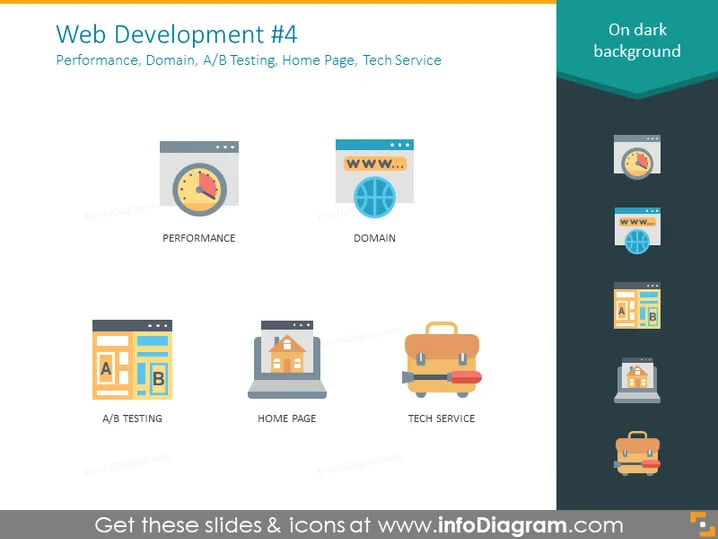
The slide is titled "Web Development #4" and broadly covers aspects of website optimization and management. "Performance" refers to the speed and efficiency of a website. "Domain" indicates the web address where the website is found. "A/B Testing" is a method to compare two versions of a webpage to see which performs better. "Home Page" is typically the main landing page of a website, often the first page a visitor sees. "Tech Service" likely pertains to technical support and maintenance services essential for keeping a website operational and up-to-date.
The overall look of the slide is sleek and modern with a professional tone suitable for a business or educational presentation. The design is clean, focused, and uses icons effectively to communicate key concepts in web development.



