

Your graphics add a nice touch to my presentations and I recently used them for one of my all-hands meetings. Your toolbox adds professionalism to my slides. Instead of using standard clipart.
Claude Jones, Director of Engineer, @Walmartlabs, USA

Your graphics add a nice touch to my presentations and I recently used them for one of my all-hands meetings. Your toolbox adds professionalism to my slides. Instead of using standard clipart.
Claude Jones, Director of Engineer, @Walmartlabs, USA
I needed a fresh look at some of my slides. I've tried to find a way to create a paintbrush effect, to underline, accentuate, add some color and the handwritten markers were just the things. Very easy to use, easy to size, change the color. It was an affordable, perfect solution and I'm happy to recommend it.
Anonymous, US
The crisp, clean look of the graphics, and the fact that it allowed me to easily edit and change the colors to match the template was my main reason for purchasing them.
Brandie Jenkins, E-learning Developer, USA
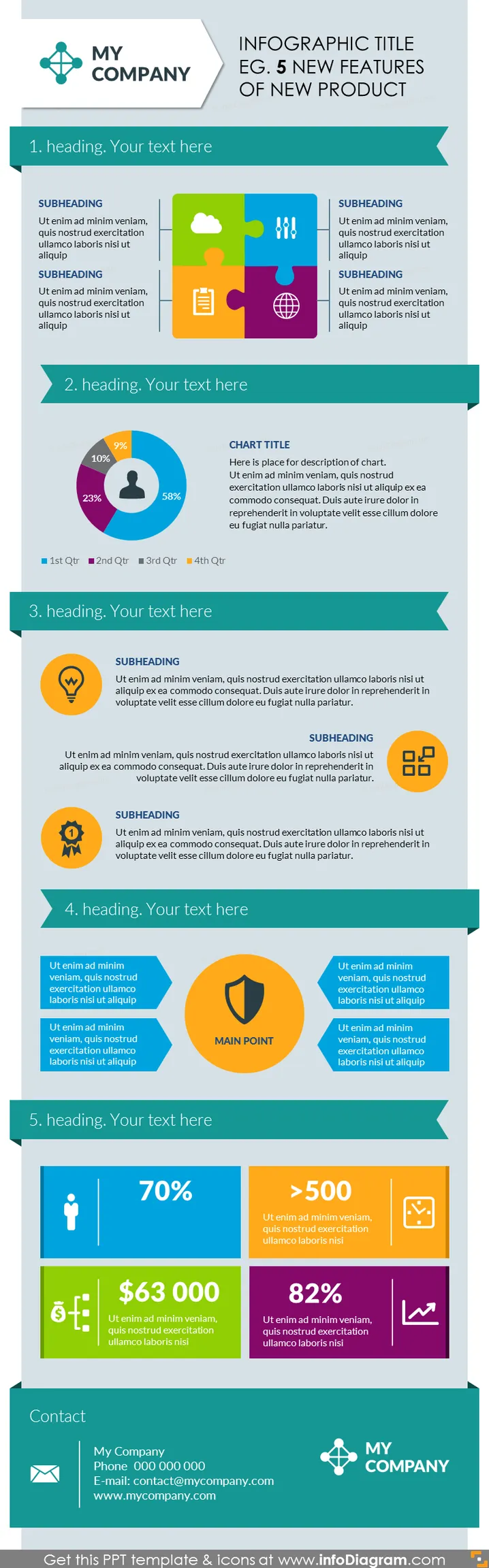
The PowerPoint slide presents an overview of "5 New Features of a New Product." Each of the five features is accompanied by a heading, a placeholder for a descriptive text block, and an icon or graphic element relevant to each feature. These features are symbolized by various icons: a jigsaw puzzle piece for integration, a pie chart representing data distribution, a light bulb for innovation, a shield for security, and a human figure for user metrics. These elements are designed to communicate the uniqueness or competitive advantage of the new product features.
The overall appearance of the slide is modern and organized, with a clear hierarchy that helps guide the viewer's attention through the content. It employs contrast effectively through the use of both color and typographic weight to emphasize key points.



