

Your graphics add a nice touch to my presentations and I recently used them for one of my all-hands meetings. Your toolbox adds professionalism to my slides. Instead of using standard clipart.
Claude Jones, Director of Engineer, @Walmartlabs, USA

Your graphics add a nice touch to my presentations and I recently used them for one of my all-hands meetings. Your toolbox adds professionalism to my slides. Instead of using standard clipart.
Claude Jones, Director of Engineer, @Walmartlabs, USA
I needed a fresh look at some of my slides. I've tried to find a way to create a paintbrush effect, to underline, accentuate, add some color and the handwritten markers were just the things. Very easy to use, easy to size, change the color. It was an affordable, perfect solution and I'm happy to recommend it.
Anonymous, US
The crisp, clean look of the graphics, and the fact that it allowed me to easily edit and change the colors to match the template was my main reason for purchasing them.
Brandie Jenkins, E-learning Developer, USA
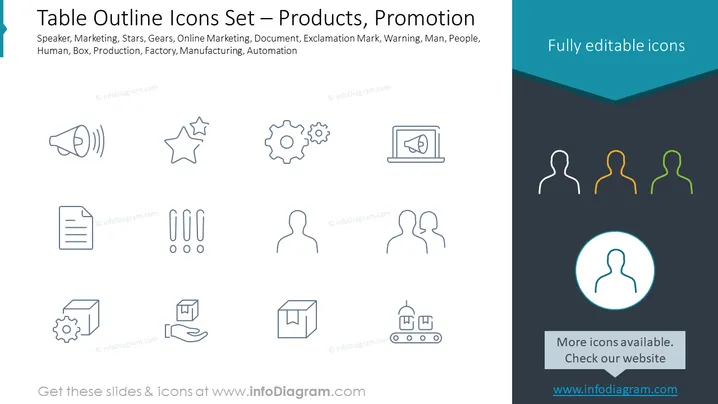
The PowerPoint slide titled "Table Outline Icons Set — Products, Promotion" features a collection of icon symbols often used in business and marketing presentations. Each icon represents a different business concept: A megaphone for announcement or marketing purposes, a star for excellence or quality, gears for operations or mechanics, a laptop with a line graph for online marketing or data analysis, a document for paperwork or information, a warning sign for attention or caution, three human silhouettes for team or personnel, a box for product or logistics, and factory symbols for manufacturing or industry processes. These icons serve to visually communicate key aspects of business operations and strategies in a simple and straightforward manner.
The overall look of the slide is sleek and professional, with a minimalistic design that emphasizes clarity and ease of understanding. The icons are simple yet expressive, and the contrasting colors of the text enhance their visibility and significance.



