

Your graphics add a nice touch to my presentations and I recently used them for one of my all-hands meetings. Your toolbox adds professionalism to my slides. Instead of using standard clipart.
Claude Jones, Director of Engineer, @Walmartlabs, USA

Your graphics add a nice touch to my presentations and I recently used them for one of my all-hands meetings. Your toolbox adds professionalism to my slides. Instead of using standard clipart.
Claude Jones, Director of Engineer, @Walmartlabs, USA
I needed a fresh look at some of my slides. I've tried to find a way to create a paintbrush effect, to underline, accentuate, add some color and the handwritten markers were just the things. Very easy to use, easy to size, change the color. It was an affordable, perfect solution and I'm happy to recommend it.
Anonymous, US
The crisp, clean look of the graphics, and the fact that it allowed me to easily edit and change the colors to match the template was my main reason for purchasing them.
Brandie Jenkins, E-learning Developer, USA
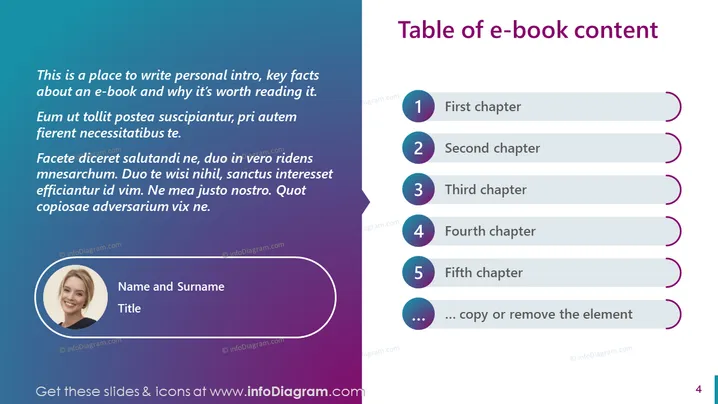
Slide Content: The slide appears to be an introduction to an e-book, presenting the first five chapters and providing a space for personal introduction. The chapter list is numerically organized, indicating a progression of content. The left side suggests a personal introduction or foreword by an author, with space for their name and title. It might explain the significance of the book and why it's worth the read. The text placeholder implies expanded elaborations on the purpose or subject matter of the e-book.
Graphical Look:
The overall look is sleek and modern, with a clean layout that effectively divides textual content from graphical elements. The color gradient and organized structure imply a professional and approachable design.
Use Cases:



