

Your graphics add a nice touch to my presentations and I recently used them for one of my all-hands meetings. Your toolbox adds professionalism to my slides. Instead of using standard clipart.
Claude Jones, Director of Engineer, @Walmartlabs, USA

Your graphics add a nice touch to my presentations and I recently used them for one of my all-hands meetings. Your toolbox adds professionalism to my slides. Instead of using standard clipart.
Claude Jones, Director of Engineer, @Walmartlabs, USA
I needed a fresh look at some of my slides. I've tried to find a way to create a paintbrush effect, to underline, accentuate, add some color and the handwritten markers were just the things. Very easy to use, easy to size, change the color. It was an affordable, perfect solution and I'm happy to recommend it.
Anonymous, US
The crisp, clean look of the graphics, and the fact that it allowed me to easily edit and change the colors to match the template was my main reason for purchasing them.
Brandie Jenkins, E-learning Developer, USA
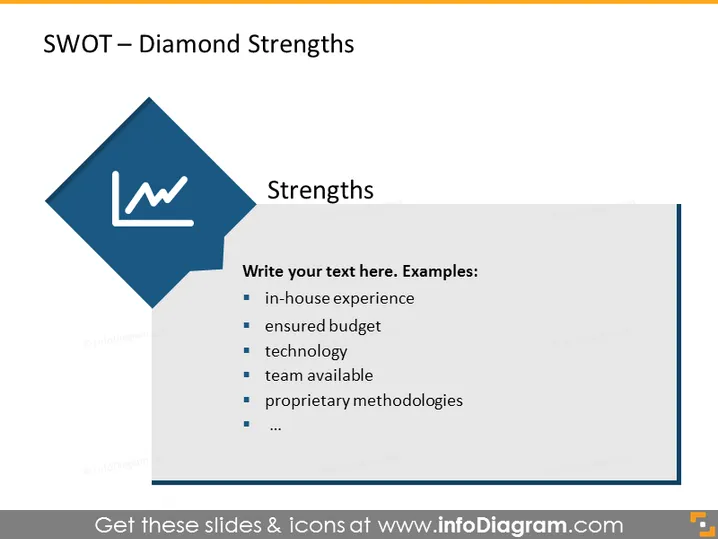
The slide is a template for presenting the Strengths aspect of a SWOT analysis, using a diamond shape to visually prioritize key points. It starts with a placeholder for explaining the concept of 'Strengths' in a SWOT analysis, which refers to the advantages or positive attributes that give an organization or project an edge over its competitors. The slide then suggests adding text about specific strengths, with examples such as in-house experience, ensured budget, technology, team availability, and proprietary methodologies. Each of these points highlights an internal capability or resource that may contribute to a competitive advantage.
The overall look is clean and business-like, with straightforward visuals that ensure the focus remains on the text content. The use of a shape and icon visually emphasizes the "Strengths" aspect of the SWOT analysis.



