
Reviews
Ihre Grafiken verleihen meinen Präsentationen eine nette Note, und ich habe sie kürzlich für eines meiner All-Hands-Meetings verwendet. Ihre Toolbox verleiht meinen Folien Professionalität, anstatt Standard-Clipart zu verwenden.
Ich brauchte einen neuen Blick auf einige meiner Folien. Ich habe versucht, einen Weg zu finden, einen Pinselschlag-Effekt zu erzielen, um zu unterstreichen, hervorzuheben, Farbe hinzuzufügen, und die handgeschriebenen Markierungen waren genau das Richtige. Sehr einfach zu bedienen, leicht in der Größe zu ändern, die Farbe zu ändern. Es war eine erschwingliche, perfekte Lösung und ich empfehle sie gerne weiter.
Die klare, saubere Optik der Grafiken und die Tatsache, dass ich die Farben leicht bearbeiten und an die Vorlage anpassen konnte, war mein Hauptgrund für den Kauf.
Description
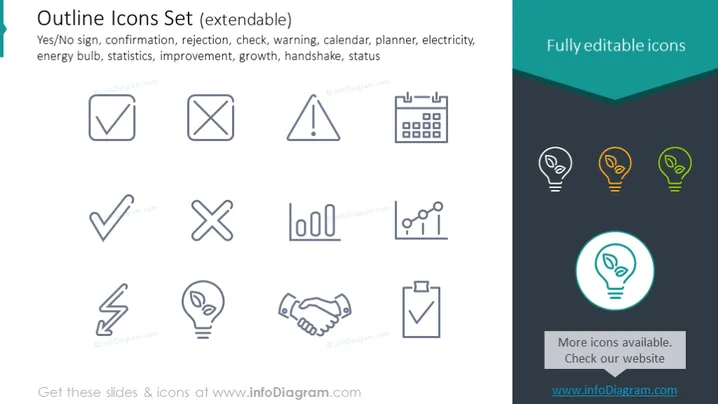
Outline Icons Set (extendable)
Slide Content
This PowerPoint slide presents a set of outline icons related to various concepts useful in presentations. The icons represent ideas such as "yes" (a tick mark indicating acceptance or confirmation), "no" (a crossed-out box denoting rejection), a warning sign (indicating caution or potential issues), a calendar symbol (representing scheduling or planning), a flash symbolizing electricity or energy, a lightbulb icon (related to ideas or energy efficiency), a handshake (indicating agreement or partnership), and a chart showing upward trending lines (symbolizing growth or improvement). Each icon translates to a distinct operational or conceptual function in a business or informational setting.
Graphical Look
- The slide has a clean, modern aesthetic with icons in grayscale against a white background.
- Icons are organized in a grid pattern of two rows, with the top row having five icons and the bottom row having four.
- Each icon is encased in a square outline, ensuring consistent visual framing.
- A large lightbulb icon is highlighted with a teal circle and positioned off to the right, creating a visual accent.
- The text "Fully editable icons" is presented in a bold, sans-serif font, accentuated by a dark teal banner at the top right.
- In the lower right corner, there's a small text box with the phrase "More icons available. Check our website" and a URL beneath it.
The slide boasts a clean and professional look, with a consistent icon design theme. It's visually balanced with the right mix of text, icons, and negative space, making it easy to digest at a glance.
Use Cases
- During a business presentation to highlight key features or benefits of a product or service in a visually engaging manner.
- In educational materials, to visually represent important points or steps in a process, making them more memorable.
- As part of a project planning or status update presentation to quickly convey progress, issues, or upcoming tasks without relying heavily on text.
- To enhance user manuals or guidelines, providing universally understandable visuals alongside written instructions for clarity.
How to Edit
How to edit text & colors

How to expand / shorten diagram

How to Replace Icons in infoDiagram PPT


