
Your graphics add a nice touch to my presentations and I recently used them for one of my all-hands meetings. Your toolbox adds professionalism to my slides. Instead of using standard clipart.
Claude Jones, Director of Engineer, @Walmartlabs, USA
Your graphics add a nice touch to my presentations and I recently used them for one of my all-hands meetings. Your toolbox adds professionalism to my slides. Instead of using standard clipart.
Claude Jones, Director of Engineer, @Walmartlabs, USA
I needed a fresh look at some of my slides. I've tried to find a way to create a paintbrush effect, to underline, accentuate, add some color and the handwritten markers were just the things. Very easy to use, easy to size, change the color. It was an affordable, perfect solution and I'm happy to recommend it.
Anonymous, US
The crisp, clean look of the graphics, and the fact that it allowed me to easily edit and change the colors to match the template was my main reason for purchasing them.
Brandie Jenkins, E-learning Developer, USA
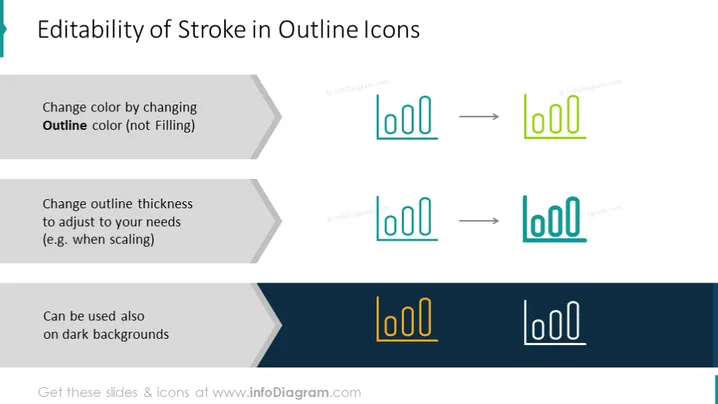
The PowerPoint slide focuses on demonstrating the adaptability of outline icon design, specifically regarding stroke. The first point illustrates the ability to change the icon color by altering the outline color rather than the fill color, explaining that the outline itself can be recolored to suit different themes or designs. The second point highlights that the thickness of the outline can be changed to meet specific needs, such as ensuring visibility when icons are scaled to different sizes. The final point indicates that outline icons can also be effectively used against dark backgrounds, suggesting that their design retains clarity regardless of the background color.
The slide is clean and professionally designed, with a focus on visual demonstration and minimal text. The high level of contrast between the icons and the background ensures the visual examples are clear and engaging.




