

Your graphics add a nice touch to my presentations and I recently used them for one of my all-hands meetings. Your toolbox adds professionalism to my slides. Instead of using standard clipart.
Claude Jones, Director of Engineer, @Walmartlabs, USA

Your graphics add a nice touch to my presentations and I recently used them for one of my all-hands meetings. Your toolbox adds professionalism to my slides. Instead of using standard clipart.
Claude Jones, Director of Engineer, @Walmartlabs, USA
I needed a fresh look at some of my slides. I've tried to find a way to create a paintbrush effect, to underline, accentuate, add some color and the handwritten markers were just the things. Very easy to use, easy to size, change the color. It was an affordable, perfect solution and I'm happy to recommend it.
Anonymous, US
The crisp, clean look of the graphics, and the fact that it allowed me to easily edit and change the colors to match the template was my main reason for purchasing them.
Brandie Jenkins, E-learning Developer, USA
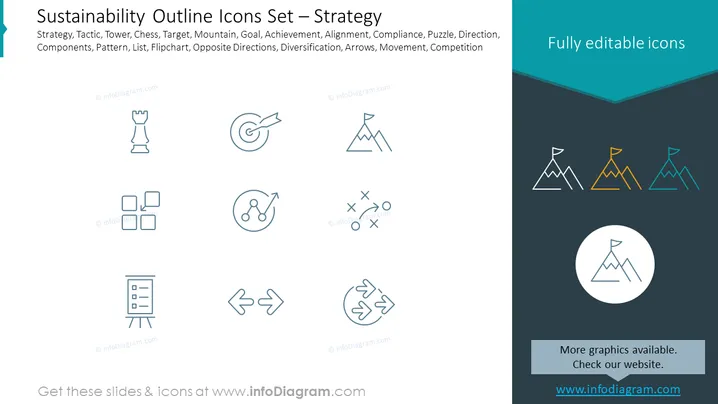
The PowerPoint slide, titled "Sustainability Outline Icons Set – Strategy," contains various icons representing different strategic concepts, which are also listed as text items: Strategy (a chess tower to represent planning and tactics), Tactic (a set of network nodes suggesting coordinated actions), Tower (likely a chess rook, indicating defense or structure), Chess (implying strategic game-planning), Target (an archery target for goals), Mountain (symbolizing goals or challenges), Goal (an arrow in a target conveying achievement), Achievement (a star to denote success), Alignment (parallel lines for cooperation), Compliance (puzzle pieces for fitting policies or regulations), Puzzle (complex problem-solving), Direction (one-way directional sign for guidance), Components (diagram for different elements), Pattern (repeating elements), List (ordered items), Flipchart (presentation or display of information), Opposite Directions (diverging arrows), Diversification (scatter plot showing variation), Arrows (movement or trend), Movement (arrows indicating motion in a cycle), Competition (tic-tac-toe game implying competitive strategy).
The slide features a minimalist and professional design aesthetic with a clear color scheme focused on teal, white, and light blue elements, aimed at providing a visual representation of strategic concepts within a business or organization.



