

Your graphics add a nice touch to my presentations and I recently used them for one of my all-hands meetings. Your toolbox adds professionalism to my slides. Instead of using standard clipart.
Claude Jones, Director of Engineer, @Walmartlabs, USA

Your graphics add a nice touch to my presentations and I recently used them for one of my all-hands meetings. Your toolbox adds professionalism to my slides. Instead of using standard clipart.
Claude Jones, Director of Engineer, @Walmartlabs, USA
I needed a fresh look at some of my slides. I've tried to find a way to create a paintbrush effect, to underline, accentuate, add some color and the handwritten markers were just the things. Very easy to use, easy to size, change the color. It was an affordable, perfect solution and I'm happy to recommend it.
Anonymous, US
The crisp, clean look of the graphics, and the fact that it allowed me to easily edit and change the colors to match the template was my main reason for purchasing them.
Brandie Jenkins, E-learning Developer, USA
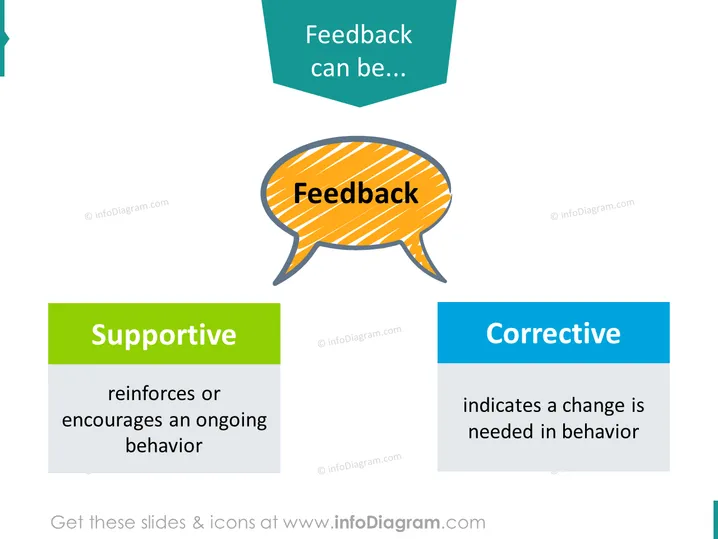
The PowerPoint slide presents the topic of feedback, discussing two different types, "Supportive" and "Corrective." Supportive feedback is described as reinforcing or encouraging an ongoing behavior, essentially feedback that motivates and promotes the continuation of positive actions. Corrective feedback, on the other hand, indicates that a change is needed in behavior, suggesting it is intended to redirect or improve a person's actions.
The slide uses bright and contrasting colors to distinguish different sections and maintain visual interest. The layout is simple and focuses attention on the concept of feedback.



