
Reviews
Your graphics add a nice touch to my presentations and I recently used them for one of my all-hands meetings. Your toolbox adds professionalism to my slides. Instead of using standard clipart.
I needed a fresh look at some of my slides. I've tried to find a way to create a paintbrush effect, to underline, accentuate, add some color and the handwritten markers were just the things. Very easy to use, easy to size, change the color. It was an affordable, perfect solution and I'm happy to recommend it.
The crisp, clean look of the graphics, and the fact that it allowed me to easily edit and change the colors to match the template was my main reason for purchasing them.
Description
Supply Chain Add-on Icons
Slide Content
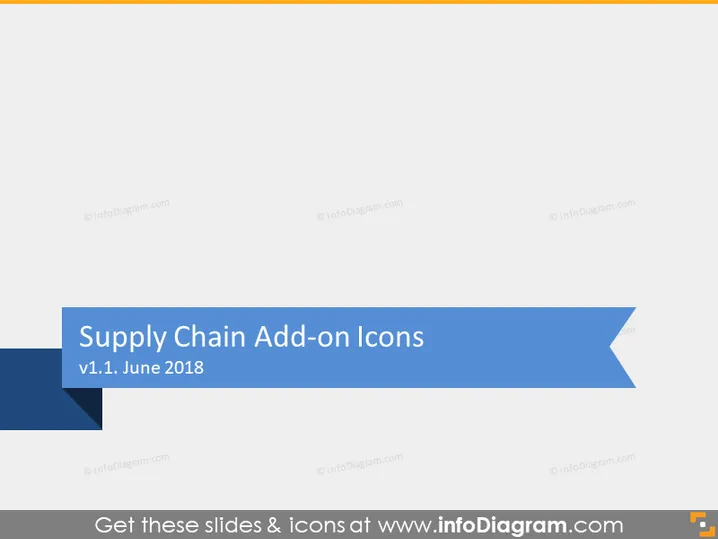
The slide is titled "Supply Chain Add-on Icons" and references a version number (v1.1) and a date (June 2018), suggesting that this is an update or a specific edition of supply chain-related icons. These icons are likely designed to be utilized in various presentations, documents, or software to visually represent different aspects or components of a supply chain, from procurement and manufacturing to distribution and logistics.
Graphical Look
- The title of the slide, "Supply Chain Add-on Icons", is prominently displayed in large, bold white text on a deep blue banner that spans the top portion of the slide.
- Below the title, a lighter blue ribbon features a version number, "v1.1," followed by the date "June 2018" in smaller white text, providing additional detail about the slide's content versioning.
- The deep blue banner has a cut-off corner style on the top left, adding a geometric touch to the design.
- The slide has a plain white background which contrasts with the blue tones of the title banners.
The overall look of the slide is clean and business-like, with a professional color scheme. The use of contrasting shades of blue and white text provides clear readability and an authoritative feel.
Use Cases
- Presenting a new set of icons available for enhancing supply chain management software or tools.
- In a corporate presentation where visual aids are needed to describe various elements of the supply chain process.
- During a training session to introduce employees to standardized icons that will be used in company supply chain documentation.
- As part of a sales pitch to demonstrate the capabilities of a supply chain management system that includes these icons for intuitive interface design.
How to Edit
How to edit text & colors

How to expand / shorten diagram

How to Replace Icons in infoDiagram PPT


