

Your graphics add a nice touch to my presentations and I recently used them for one of my all-hands meetings. Your toolbox adds professionalism to my slides. Instead of using standard clipart.
Claude Jones, Director of Engineer, @Walmartlabs, USA

Your graphics add a nice touch to my presentations and I recently used them for one of my all-hands meetings. Your toolbox adds professionalism to my slides. Instead of using standard clipart.
Claude Jones, Director of Engineer, @Walmartlabs, USA
I needed a fresh look at some of my slides. I've tried to find a way to create a paintbrush effect, to underline, accentuate, add some color and the handwritten markers were just the things. Very easy to use, easy to size, change the color. It was an affordable, perfect solution and I'm happy to recommend it.
Anonymous, US
The crisp, clean look of the graphics, and the fact that it allowed me to easily edit and change the colors to match the template was my main reason for purchasing them.
Brandie Jenkins, E-learning Developer, USA
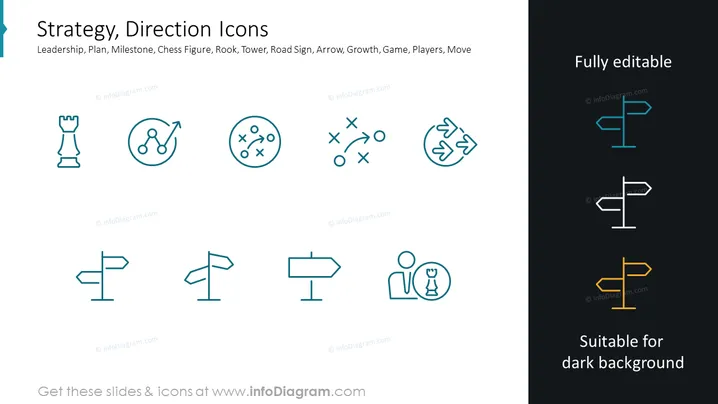
This PowerPoint slide, titled "Strategy, Direction Icons", presents a collection of eight minimalistic icons each representing different business strategy and decision-making concepts: Leadership, Plan, Milestone, Chess Figure, Rook, Tower, Road Sign, Arrow, Growth, Game, Players, Move. The icons symbolize various aspects of strategic planning and direction setting. "Leadership" features a chess rook, symbolizing guidance and authority. "Plan" shows connected points, indicating the steps of a process. "Milestone" is depicted as a pin on a circle, which denotes reaching significant achievements. "Chess Figure" implies strategic thinking and game theory. "Rook" and "Tower" possibly mean defense or a solid structure within strategies. "Road Sign" icon suggests direction or guidance, while "Arrow" stands for movement or progress, and "Growth" depicts an upward trend, signifying development or success.
The slide is visually balanced, with text labels providing context for the easily recognizable icons. The choice of color is limited and consistent, creating a harmonious and focused presentation.



