
Your graphics add a nice touch to my presentations and I recently used them for one of my all-hands meetings. Your toolbox adds professionalism to my slides. Instead of using standard clipart.
Claude Jones, Director of Engineer, @Walmartlabs, USA
Your graphics add a nice touch to my presentations and I recently used them for one of my all-hands meetings. Your toolbox adds professionalism to my slides. Instead of using standard clipart.
Claude Jones, Director of Engineer, @Walmartlabs, USA
I needed a fresh look at some of my slides. I've tried to find a way to create a paintbrush effect, to underline, accentuate, add some color and the handwritten markers were just the things. Very easy to use, easy to size, change the color. It was an affordable, perfect solution and I'm happy to recommend it.
Anonymous, US
The crisp, clean look of the graphics, and the fact that it allowed me to easily edit and change the colors to match the template was my main reason for purchasing them.
Brandie Jenkins, E-learning Developer, USA
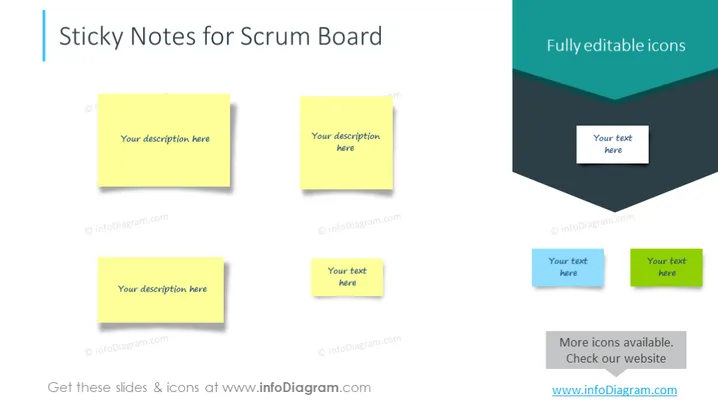
The slide titled "Sticky Notes for Scrum Board" is likely designed for use within an Agile development context, specifically for Scrum methodology. It features representations of sticky notes that are commonly used on Scrum boards for tasks tracking. Each sticky note contains placeholder text, suggesting that these can be customized with specific tasks or notes relevant to the user's project. The term "Scrum Board" refers to a visual project management tool that helps teams visualize work progress during the Scrum software development cycle.
The overall look of the slide is clean and organized, with a good use of space and balance between text and graphical elements. The shadows and folded corner of the rectangle add depth and keep the design from appearing flat.




