
Your graphics add a nice touch to my presentations and I recently used them for one of my all-hands meetings. Your toolbox adds professionalism to my slides. Instead of using standard clipart.
Claude Jones, Director of Engineer, @Walmartlabs, USA
Your graphics add a nice touch to my presentations and I recently used them for one of my all-hands meetings. Your toolbox adds professionalism to my slides. Instead of using standard clipart.
Claude Jones, Director of Engineer, @Walmartlabs, USA
I needed a fresh look at some of my slides. I've tried to find a way to create a paintbrush effect, to underline, accentuate, add some color and the handwritten markers were just the things. Very easy to use, easy to size, change the color. It was an affordable, perfect solution and I'm happy to recommend it.
Anonymous, US
The crisp, clean look of the graphics, and the fact that it allowed me to easily edit and change the colors to match the template was my main reason for purchasing them.
Brandie Jenkins, E-learning Developer, USA
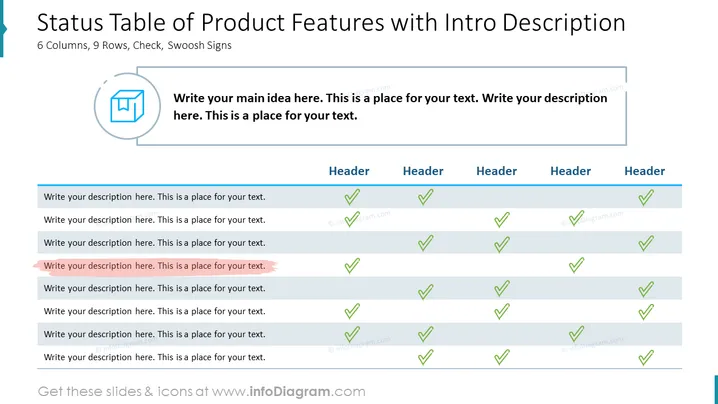
The slide presents a status table format designed to showcase product features and their corresponding statuses across various categories. Each row indicates a feature or aspect of the product, while the columns represent different categories or considerations. The green checkmarks signify approval or the existence of a feature, and additional remarks can be inputted alongside. This framework effectively conveys how a product measures up against a set of criteria or how it has progressed in different areas.
The overall look is clean and professional, utilizing a simple and understandable visual language suitable for corporate and business environments. The use of color is limited and focused, drawing attention to key elements such as the checkmarks.




