
Your graphics add a nice touch to my presentations and I recently used them for one of my all-hands meetings. Your toolbox adds professionalism to my slides. Instead of using standard clipart.
Claude Jones, Director of Engineer, @Walmartlabs, USA

Your graphics add a nice touch to my presentations and I recently used them for one of my all-hands meetings. Your toolbox adds professionalism to my slides. Instead of using standard clipart.
Claude Jones, Director of Engineer, @Walmartlabs, USA

I needed a fresh look at some of my slides. I've tried to find a way to create a paintbrush effect, to underline, accentuate, add some color and the handwritten markers were just the things. Very easy to use, easy to size, change the color. It was an affordable, perfect solution and I'm happy to recommend it.
Anonymous, US
The crisp, clean look of the graphics, and the fact that it allowed me to easily edit and change the colors to match the template was my main reason for purchasing them.
Brandie Jenkins, E-learning Developer, USA
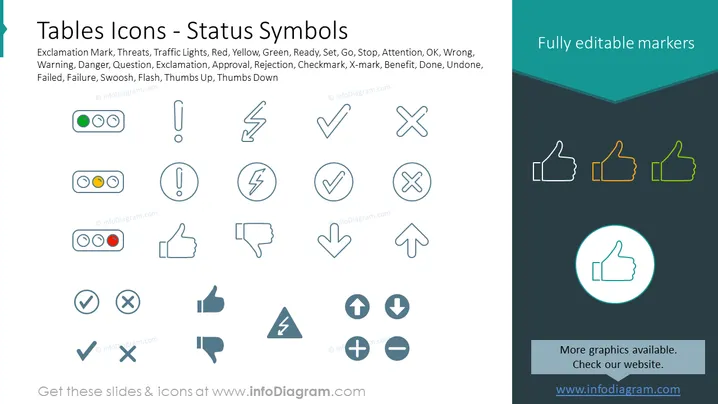
The PowerPoint slide titled "Tables Icons - Status Symbols" highlights a collection of icons used to represent various statuses such as Exclamation Mark, Threats, Traffic Lights, and so forth, suggesting different meanings like Warning, Danger, Question, and Approval. These symbols serve as visual cues in presentations, facilitating quick understanding. Traffic lights convey readiness with green for go, yellow for caution, and red for stop. An X-mark might indicate something is wrong or rejected, while a checkmark typically signifies approval or completion of a task.
The slide uses symmetry and a balanced layout to professionally present the icons. The usage of colors is minimal, drawing attention to specific elements that stand out against the primarily grey icons.


