

Your graphics add a nice touch to my presentations and I recently used them for one of my all-hands meetings. Your toolbox adds professionalism to my slides. Instead of using standard clipart.
Claude Jones, Director of Engineer, @Walmartlabs, USA

Your graphics add a nice touch to my presentations and I recently used them for one of my all-hands meetings. Your toolbox adds professionalism to my slides. Instead of using standard clipart.
Claude Jones, Director of Engineer, @Walmartlabs, USA
I needed a fresh look at some of my slides. I've tried to find a way to create a paintbrush effect, to underline, accentuate, add some color and the handwritten markers were just the things. Very easy to use, easy to size, change the color. It was an affordable, perfect solution and I'm happy to recommend it.
Anonymous, US
The crisp, clean look of the graphics, and the fact that it allowed me to easily edit and change the colors to match the template was my main reason for purchasing them.
Brandie Jenkins, E-learning Developer, USA
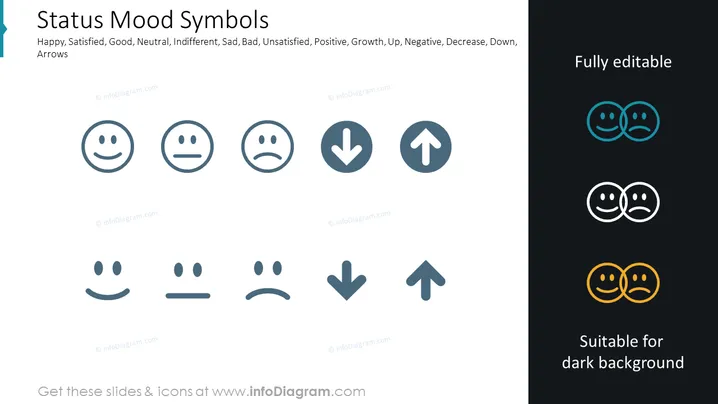
The image shows a PowerPoint slide titled "Status Mood Symbols" that features an array of icons representing various emotional states and directional tendencies. The mood symbols include "Happy," resembling a smiling face, "Satisfied," which is a neutral yet content face, "Good," another smiling face with a slightly different design, "Neutral," an indifferent face, "Indifferent," a face with a straight line, conveying an unmoved or passive mood, "Sad," displaying a frown, "Bad," another unhappy face, and "Unsatisfied," which also expresses displeasure. The arrows denote "Positive," pointing upwards, symbolizing growth or improvement; "Growth," also an upward arrow, indicating an increase or success; "Up," another upward symbol emphasizing a rise or escalation; "Negative," directed downwards, marking decline or deterioration; "Decrease," pointing down, depicting a reduction or loss; and "Down," an arrow looking down, representing a fall or a drop.
The slide has a clean, minimalist design, using grayscale for the majority of the icons while selectively using colors to emphasize editable elements. Each icon variously reflects feelings and trends in a simple and universally understandable manner.



