

Your graphics add a nice touch to my presentations and I recently used them for one of my all-hands meetings. Your toolbox adds professionalism to my slides. Instead of using standard clipart.
Claude Jones, Director of Engineer, @Walmartlabs, USA

Your graphics add a nice touch to my presentations and I recently used them for one of my all-hands meetings. Your toolbox adds professionalism to my slides. Instead of using standard clipart.
Claude Jones, Director of Engineer, @Walmartlabs, USA
I needed a fresh look at some of my slides. I've tried to find a way to create a paintbrush effect, to underline, accentuate, add some color and the handwritten markers were just the things. Very easy to use, easy to size, change the color. It was an affordable, perfect solution and I'm happy to recommend it.
Anonymous, US
The crisp, clean look of the graphics, and the fact that it allowed me to easily edit and change the colors to match the template was my main reason for purchasing them.
Brandie Jenkins, E-learning Developer, USA
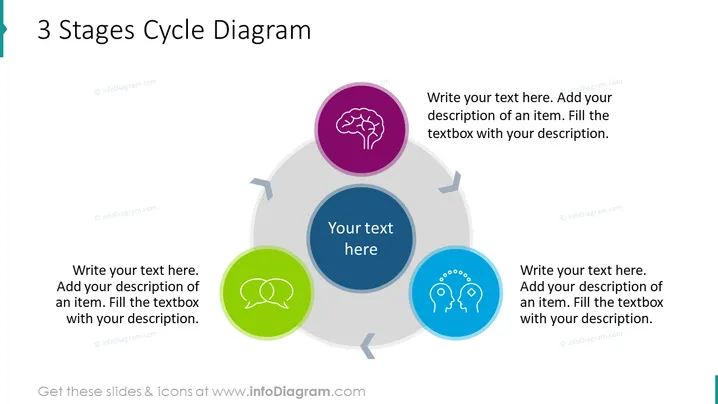
The slide presents a "3 Stages Cycle Diagram" which could typically be used to describe a process that has three interconnected stages. Each stage is represented by a circular node, with directional arrows indicating the flow from one stage to the next, forming a cyclical pattern. The nodes are for users to fill with their text and description; they are anchored by icons—a brain, speech bubbles, and two heads with gears—suggesting thematic concepts like thinking, communication, and collaboration or teamwork respectively.
The overall look of the slide is sleek and contemporary, with a professional appearance suitable for business presentations. The use of color and icons makes the slide visually appealing and helps to convey the cyclic nature of the process being described.



