
Reviews
Ihre Grafiken verleihen meinen Präsentationen eine nette Note, und ich habe sie kürzlich für eines meiner All-Hands-Meetings verwendet. Ihre Toolbox verleiht meinen Folien Professionalität, anstatt Standard-Clipart zu verwenden.
Ich brauchte einen neuen Blick auf einige meiner Folien. Ich habe versucht, einen Weg zu finden, einen Pinselschlag-Effekt zu erzielen, um zu unterstreichen, hervorzuheben, Farbe hinzuzufügen, und die handgeschriebenen Markierungen waren genau das Richtige. Sehr einfach zu bedienen, leicht in der Größe zu ändern, die Farbe zu ändern. Es war eine erschwingliche, perfekte Lösung und ich empfehle sie gerne weiter.
Die klare, saubere Optik der Grafiken und die Tatsache, dass ich die Farben leicht bearbeiten und an die Vorlage anpassen konnte, war mein Hauptgrund für den Kauf.
Description
TITLE
Your sample text here. Your sample text here.
Slide Content
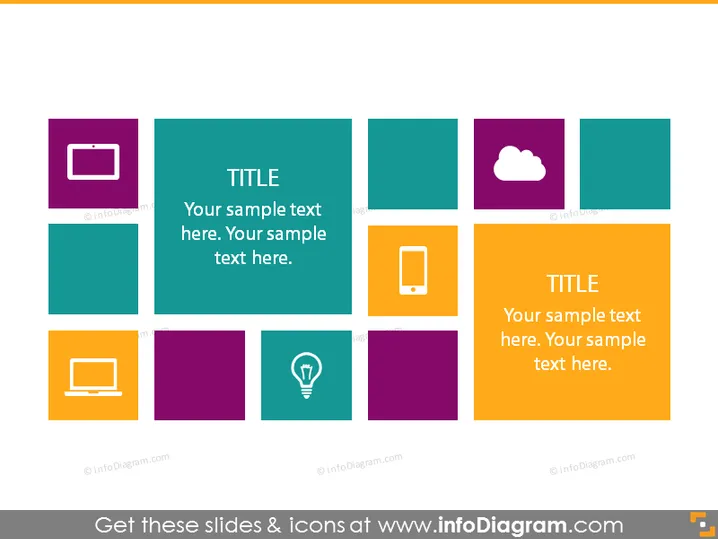
The slide appears to present a set of eight concepts, each accompanied by an icon and separated into its own colored square or rectangle, indicating a modular approach to the information. The slide's title, situated in the middle, serves as a focal point and suggests that the slide's content revolves around key points or topics related to the title. This layout is designed for quick, visual digestion of the information, with a potential emphasis on technology or processes, as indicated by the use of common tech-related icons.
Graphical Look
- A grid of eight colored squares and rectangles, each bearing a unique icon.
- Two of the colored rectangles have text box overlays with a shared title "TITLE" followed by placeholder text, "Your sample text here. Your sample text here."
- The icons include a mobile device, cloud, laptop, and a light bulb, suggesting topics related to technology and innovation.
- The colors are a mix of complementary purples, teals, and an orange, chosen for visual interest and distinction.
- Each square and rectangle has a distinct color, creating a patchwork of hues that draw the eye across the slide.
- The placement of the two text-containing rectangles in the center guides viewers to focus on the slide's main content.
The slide has a modern and colorful design, visually organized to be easy to follow. The different colors and icons evenly spaced throughout create a balanced aesthetic, suitable for conveying clear and distinct concepts or options.
Use Cases
- Introducing different services or features of a technological product during a business presentation.
- Summarizing the different modules or components of a software solution in a sales pitch.
- Outlining the areas of expertise within a company during a corporate meeting.
- Providing an overview of research topics or concepts in an educational or workshop setting.
How to Edit
How to edit text & colors

How to expand / shorten diagram

How to Replace Icons in infoDiagram PPT


