

Your graphics add a nice touch to my presentations and I recently used them for one of my all-hands meetings. Your toolbox adds professionalism to my slides. Instead of using standard clipart.
Claude Jones, Director of Engineer, @Walmartlabs, USA

Your graphics add a nice touch to my presentations and I recently used them for one of my all-hands meetings. Your toolbox adds professionalism to my slides. Instead of using standard clipart.
Claude Jones, Director of Engineer, @Walmartlabs, USA
I needed a fresh look at some of my slides. I've tried to find a way to create a paintbrush effect, to underline, accentuate, add some color and the handwritten markers were just the things. Very easy to use, easy to size, change the color. It was an affordable, perfect solution and I'm happy to recommend it.
Anonymous, US
The crisp, clean look of the graphics, and the fact that it allowed me to easily edit and change the colors to match the template was my main reason for purchasing them.
Brandie Jenkins, E-learning Developer, USA
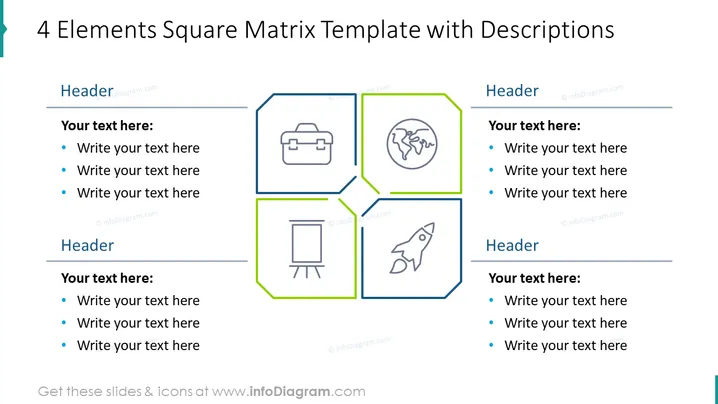
The slide depicts a model for analyzing or presenting information using a four-element square matrix. Each quadrant houses a unique icon representing a concept, along with a header and bullet points for additional explanations. The first element is symbolized by a briefcase, potentially discussing business considerations or tools. The second includes a globe, indicating topics on a global scale or international aspects. The third signifies presentations or information sharing with a flipchart icon, and the fourth showcases a rocket, which often symbolizes growth, innovation, or startup ventures.
The overall appearance of the slide is modern and professional, using a limited color palette for clarity and visual appeal. The use of shapes, icons, and text areas creates an organized structure that is easy to follow.



