

Your graphics add a nice touch to my presentations and I recently used them for one of my all-hands meetings. Your toolbox adds professionalism to my slides. Instead of using standard clipart.
Claude Jones, Director of Engineer, @Walmartlabs, USA

Your graphics add a nice touch to my presentations and I recently used them for one of my all-hands meetings. Your toolbox adds professionalism to my slides. Instead of using standard clipart.
Claude Jones, Director of Engineer, @Walmartlabs, USA
I needed a fresh look at some of my slides. I've tried to find a way to create a paintbrush effect, to underline, accentuate, add some color and the handwritten markers were just the things. Very easy to use, easy to size, change the color. It was an affordable, perfect solution and I'm happy to recommend it.
Anonymous, US
The crisp, clean look of the graphics, and the fact that it allowed me to easily edit and change the colors to match the template was my main reason for purchasing them.
Brandie Jenkins, E-learning Developer, USA
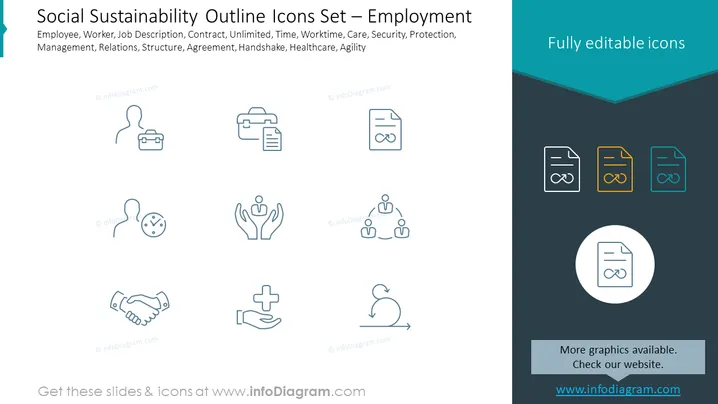
The slide is titled "Social Sustainability Outline Icons Set – Employment" and contains a collection of 12 outlined icons representing various aspects of employment and workplace dynamics. The icons embody themes such as the employee lifecycle, contractual elements, work-life balance, welfare, and organizational structure. Each icon is paired with keywords, including Employee, Worker, Job Description, Contract, Unlimited, Time, Worktime, Care, Security, Protection, Management, Relations, Structure, Agreement, Handshake, Healthcare, and Agility, aiming to depict a comprehensive view of an employee's journey and interaction within an organization.
The slide has a minimalist and professional aesthetic, designed to communicate concepts visually in an easily understandable format. The use of color highlights the editable nature of the icons, contrasting with the simplicity of the outlined icons on the left.



