
Reviews
Ihre Grafiken verleihen meinen Präsentationen eine nette Note, und ich habe sie kürzlich für eines meiner All-Hands-Meetings verwendet. Ihre Toolbox verleiht meinen Folien Professionalität, anstatt Standard-Clipart zu verwenden.
Ich brauchte einen neuen Blick auf einige meiner Folien. Ich habe versucht, einen Weg zu finden, einen Pinselschlag-Effekt zu erzielen, um zu unterstreichen, hervorzuheben, Farbe hinzuzufügen, und die handgeschriebenen Markierungen waren genau das Richtige. Sehr einfach zu bedienen, leicht in der Größe zu ändern, die Farbe zu ändern. Es war eine erschwingliche, perfekte Lösung und ich empfehle sie gerne weiter.
Die klare, saubere Optik der Grafiken und die Tatsache, dass ich die Farben leicht bearbeiten und an die Vorlage anpassen konnte, war mein Hauptgrund für den Kauf.
Description
SMART Solid Letter - Timely
Slide Content
This slide discusses the concept of "Timely" as it pertains to setting SMART goals, where SMART stands for Specific, Measurable, Achievable, Relevant, and Timely. These elements are critical for creating effective goals. The "Timely" aspect emphasizes the importance of setting a clear timeframe or deadline, which helps in maintaining focus and momentum.
Graphical Look
- The slide background is white.
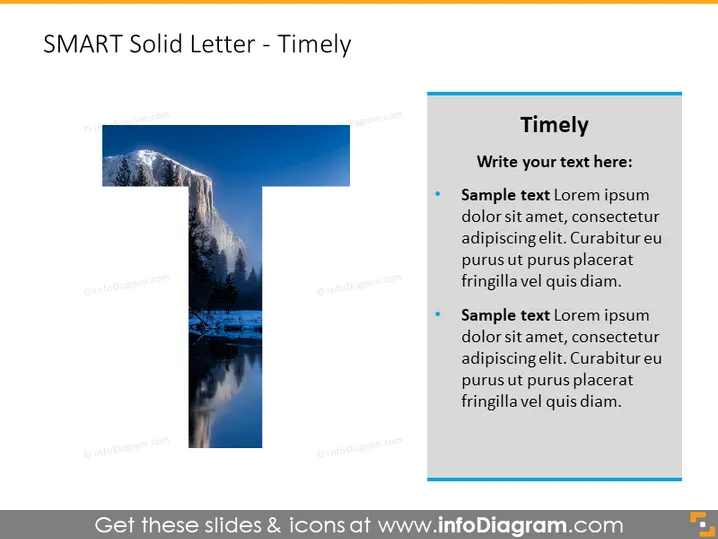
- A large capital letter "T" occupies the left side of the slide, with a photographic fill showing a stunning winter landscape scene reflecting through the letter shape.
- To the right of the "T," a deep blue rectangular shape contains the slide's textual content.
- The header "Timely" is written in bold, white font at the top of the blue shape.
- Below the header, are two bullet points with placeholder text, each starting with "Sample text".
- Font color for the bullet points is a light color providing contrast with the deep blue background.
- Three small blue circles are aligned vertically on the right edge of the slide, just outside the blue text box as a design element.
The slide has a contemporary and balanced composition, with the large graphic letter providing a visual metaphor for the content, and the contrasting blue text box offers a clear area for written information.
Use Cases
- Introducing the concept of time-bound goals in a strategic planning meeting.
- Training sessions on goal-setting methodologies.
- Explaining project timelines in team briefings.
- Enhancing presentations on productivity and time management strategies.
How to Edit
How to edit text & colors

How to expand / shorten diagram

How to Replace Icons in infoDiagram PPT


