
Reviews
Ihre Grafiken verleihen meinen Präsentationen eine nette Note, und ich habe sie kürzlich für eines meiner All-Hands-Meetings verwendet. Ihre Toolbox verleiht meinen Folien Professionalität, anstatt Standard-Clipart zu verwenden.
Ich brauchte einen neuen Blick auf einige meiner Folien. Ich habe versucht, einen Weg zu finden, einen Pinselschlag-Effekt zu erzielen, um zu unterstreichen, hervorzuheben, Farbe hinzuzufügen, und die handgeschriebenen Markierungen waren genau das Richtige. Sehr einfach zu bedienen, leicht in der Größe zu ändern, die Farbe zu ändern. Es war eine erschwingliche, perfekte Lösung und ich empfehle sie gerne weiter.
Die klare, saubere Optik der Grafiken und die Tatsache, dass ich die Farben leicht bearbeiten und an die Vorlage anpassen konnte, war mein Hauptgrund für den Kauf.
Description
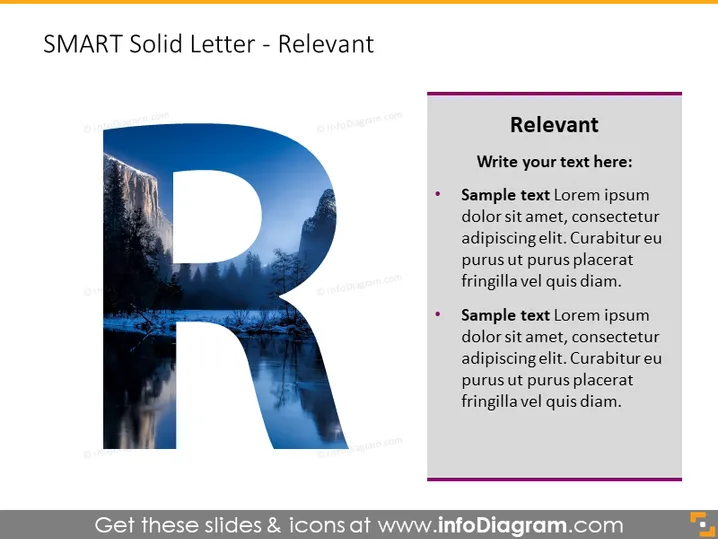
SMART Solid Letter - Relevant
Slide Content
The slide is part of a series explaining the SMART criteria for setting objectives. "R" stands for Relevant, highlighting the importance of ensuring that goals are aligned with broader objectives. The slide invites the presenter to add their own text and provides two bullet-point placeholders for elaboration. These could be used to describe why relevancy is critical in goal-setting and how to ensure that objectives contribute to the overall mission.
Graphical Look
- A large, semi-transparent letter "R" dominates the left half of the slide, integrating a scenic background image within its shape.
- The right half features a dark purple rectangular shape with a lighter purple sidebar for contrast, containing the heading "Relevant" and text placeholders.
- Two bullet points are included under the text area, each starting with a pink circular bullet.
- The background of the slide is white, creating a stark contrast with the vivid colors and scenic imagery within the letter "R".
The slide's visual composition effectively balances a bold graphic element with space for informative content. The large letter "R," filled with an image, attracts attention, while the clean text area allows for clarity in presenting the relevant information.
Use Cases
- Introducing the concept of relevance in goal-setting during a strategic planning session.
- Training employees on how to set SMART objectives that align with their department's goals.
- Encouraging discussions on ensuring business projects are relevant to the company's mission during team meetings.
- Invigorating a workshop on personal development by emphasizing the significance of relevant goals.
How to Edit
How to edit text & colors

How to expand / shorten diagram

How to Replace Icons in infoDiagram PPT


