

Your graphics add a nice touch to my presentations and I recently used them for one of my all-hands meetings. Your toolbox adds professionalism to my slides. Instead of using standard clipart.
Claude Jones, Director of Engineer, @Walmartlabs, USA

Your graphics add a nice touch to my presentations and I recently used them for one of my all-hands meetings. Your toolbox adds professionalism to my slides. Instead of using standard clipart.
Claude Jones, Director of Engineer, @Walmartlabs, USA
I needed a fresh look at some of my slides. I've tried to find a way to create a paintbrush effect, to underline, accentuate, add some color and the handwritten markers were just the things. Very easy to use, easy to size, change the color. It was an affordable, perfect solution and I'm happy to recommend it.
Anonymous, US
The crisp, clean look of the graphics, and the fact that it allowed me to easily edit and change the colors to match the template was my main reason for purchasing them.
Brandie Jenkins, E-learning Developer, USA
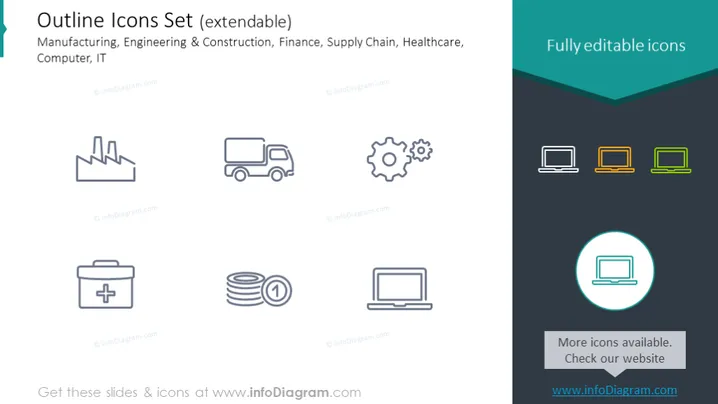
The slide is titled "Outline Icons Set (extendable)" and lists industries such as Manufacturing, Engineering & Construction, Finance, Supply Chain, Healthcare, and Computer IT which could potentially benefit from the use of these icons. These icons are suggested to be fully editable, making them adaptable for various presentations or documentation needs. The slide shows a collection of icons consistent with the themes of the mentioned industries, such as a factory for manufacturing, a gear for engineering, and a medical kit for healthcare.
The slide has a clean, modern aesthetic with a straightforward layout. The icons are simple and universally recognizable, making the slide visually accessible and easily interpretable.



