

Your graphics add a nice touch to my presentations and I recently used them for one of my all-hands meetings. Your toolbox adds professionalism to my slides. Instead of using standard clipart.
Claude Jones, Director of Engineer, @Walmartlabs, USA

Your graphics add a nice touch to my presentations and I recently used them for one of my all-hands meetings. Your toolbox adds professionalism to my slides. Instead of using standard clipart.
Claude Jones, Director of Engineer, @Walmartlabs, USA
I needed a fresh look at some of my slides. I've tried to find a way to create a paintbrush effect, to underline, accentuate, add some color and the handwritten markers were just the things. Very easy to use, easy to size, change the color. It was an affordable, perfect solution and I'm happy to recommend it.
Anonymous, US
The crisp, clean look of the graphics, and the fact that it allowed me to easily edit and change the colors to match the template was my main reason for purchasing them.
Brandie Jenkins, E-learning Developer, USA
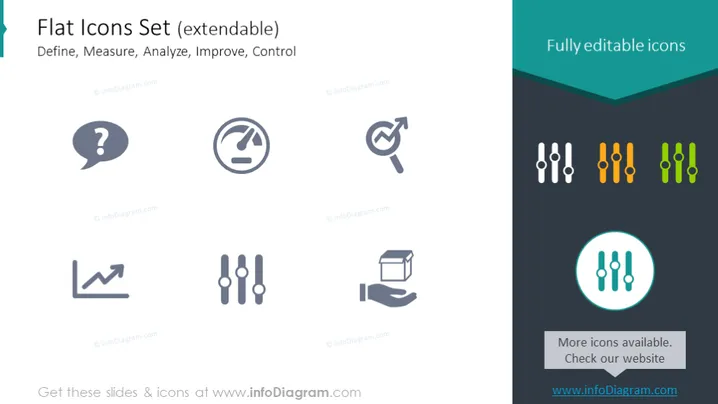
The PowerPoint slide titled "Flat Icons Set (extendable)" presents a collection of icons categorized under the phases of a project or process: Define, Measure, Analyze, Improve, Control. The Define stage is represented by a speech bubble with a question mark, symbolizing inquiry or the need for clarity. The Measure phase is indicated by a gauge icon, suggesting assessment or quantification. An upward trend line graph represents Analyze, denoting data examination or trend analysis. Improve is exemplified by a circular arrow around a wrench, representing refinement or corrective actions. Lastly, Control is depicted with slider controls, alluding to regulation or maintenance of standards.
The slide has a minimal and professional look, with a color scheme centered around turquoise, white, and different shades of gray. The clean lines and flat design of the icons contribute to the overall modern and sleek appearance of the slide.



