

Your graphics add a nice touch to my presentations and I recently used them for one of my all-hands meetings. Your toolbox adds professionalism to my slides. Instead of using standard clipart.
Claude Jones, Director of Engineer, @Walmartlabs, USA

Your graphics add a nice touch to my presentations and I recently used them for one of my all-hands meetings. Your toolbox adds professionalism to my slides. Instead of using standard clipart.
Claude Jones, Director of Engineer, @Walmartlabs, USA
I needed a fresh look at some of my slides. I've tried to find a way to create a paintbrush effect, to underline, accentuate, add some color and the handwritten markers were just the things. Very easy to use, easy to size, change the color. It was an affordable, perfect solution and I'm happy to recommend it.
Anonymous, US
The crisp, clean look of the graphics, and the fact that it allowed me to easily edit and change the colors to match the template was my main reason for purchasing them.
Brandie Jenkins, E-learning Developer, USA
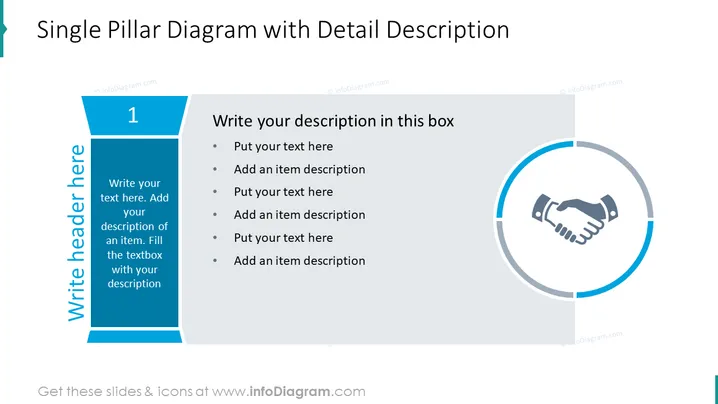
The PowerPoint slide, titled Single Pillar Diagram with Detail Description, seems designed to present a singular, focused concept or topic in depth. The structure includes a large numeral "1" suggesting it might be part of a series or highlighting the primary nature of the content. Accompanying text prompts provide a guide for customizing the slide: Title placeholder, a detailed description section, and a bulleted list for itemized information connected to the central idea. The content is meant to be edited to suit the presenter's needs, ensuring a clear and tailored presentation of a key issue or point.
The overall look of the slide is professional and straightforward, with a balanced layout that emphasizes both the graphic and textual information. The design elements are selected to focus attention on the main concept represented by the circular handshake icon and the accompanying descriptive text.



