

Your graphics add a nice touch to my presentations and I recently used them for one of my all-hands meetings. Your toolbox adds professionalism to my slides. Instead of using standard clipart.
Claude Jones, Director of Engineer, @Walmartlabs, USA

Your graphics add a nice touch to my presentations and I recently used them for one of my all-hands meetings. Your toolbox adds professionalism to my slides. Instead of using standard clipart.
Claude Jones, Director of Engineer, @Walmartlabs, USA
I needed a fresh look at some of my slides. I've tried to find a way to create a paintbrush effect, to underline, accentuate, add some color and the handwritten markers were just the things. Very easy to use, easy to size, change the color. It was an affordable, perfect solution and I'm happy to recommend it.
Anonymous, US
The crisp, clean look of the graphics, and the fact that it allowed me to easily edit and change the colors to match the template was my main reason for purchasing them.
Brandie Jenkins, E-learning Developer, USA
(not provided in the image)
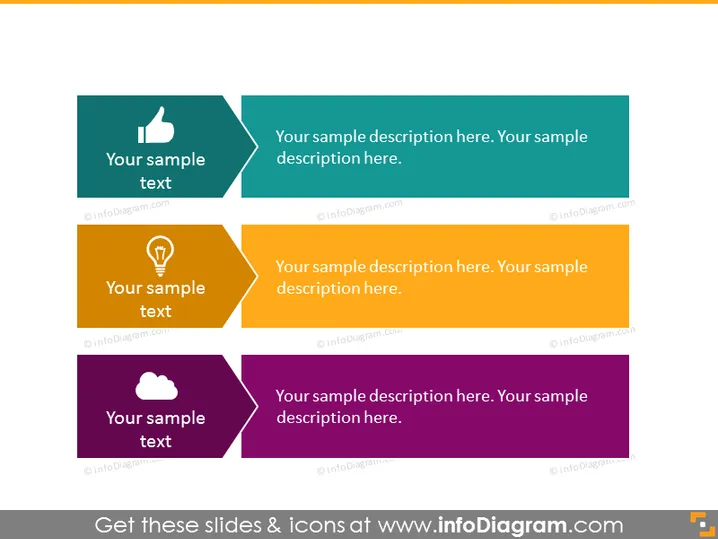
The PowerPoint slide features a three-step process or a set of three related concepts, each represented by a distinct colored banner with an icon and text. The first banner is teal with a "thumbs up" icon, indicating a positive aspect or approval. The second banner is golden with a lightbulb icon, suggesting an idea or innovation. The third banner is purple with a cloud icon, possibly representing cloud technology or concepts that are less tangible or more strategic.
The slide uses vibrant colors and clear iconography to create a visually engaging representation of a process or set of ideas. The use of directional shapes emphasizes forward motion or progression.



