

Your graphics add a nice touch to my presentations and I recently used them for one of my all-hands meetings. Your toolbox adds professionalism to my slides. Instead of using standard clipart.
Claude Jones, Director of Engineer, @Walmartlabs, USA

Your graphics add a nice touch to my presentations and I recently used them for one of my all-hands meetings. Your toolbox adds professionalism to my slides. Instead of using standard clipart.
Claude Jones, Director of Engineer, @Walmartlabs, USA
I needed a fresh look at some of my slides. I've tried to find a way to create a paintbrush effect, to underline, accentuate, add some color and the handwritten markers were just the things. Very easy to use, easy to size, change the color. It was an affordable, perfect solution and I'm happy to recommend it.
Anonymous, US
The crisp, clean look of the graphics, and the fact that it allowed me to easily edit and change the colors to match the template was my main reason for purchasing them.
Brandie Jenkins, E-learning Developer, USA
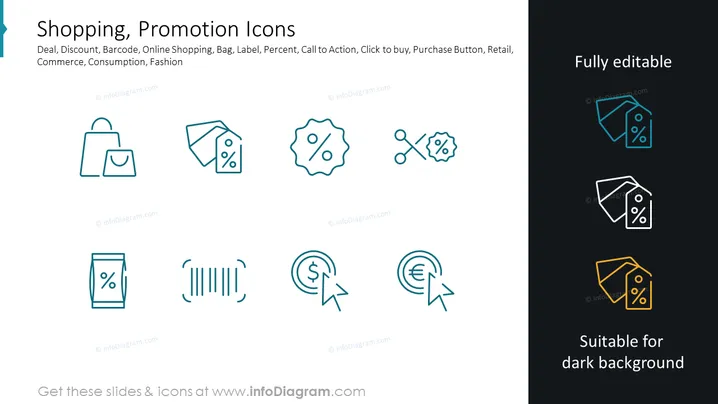
Slide Content: The PowerPoint slide titled "Shopping, Promotion Icons" displays a collection of icons related to retail and e-commerce. These include symbols for a shopping bag, a price tag with a percentage (indicating a sale or discount), a price tag with scissors (implying a coupon or special offer), a barcode (representing product identification), circular arrows around a dollar and a euro sign (suggesting currency exchange or financial transactions), and icons depicting a mobile device and percentage (representing online deals or mobile discounts). Each icon serves to visually represent various aspects of the shopping experience, promotions, and financial transactions related to commerce.
Graphical Look:
The slide is clean and modern with a minimalist design, using consistent iconography to communicate the concepts clearly. The use of color is limited but effective in highlighting the icons against the white background.
Use Cases:



