

Your graphics add a nice touch to my presentations and I recently used them for one of my all-hands meetings. Your toolbox adds professionalism to my slides. Instead of using standard clipart.
Claude Jones, Director of Engineer, @Walmartlabs, USA

Your graphics add a nice touch to my presentations and I recently used them for one of my all-hands meetings. Your toolbox adds professionalism to my slides. Instead of using standard clipart.
Claude Jones, Director of Engineer, @Walmartlabs, USA
I needed a fresh look at some of my slides. I've tried to find a way to create a paintbrush effect, to underline, accentuate, add some color and the handwritten markers were just the things. Very easy to use, easy to size, change the color. It was an affordable, perfect solution and I'm happy to recommend it.
Anonymous, US
The crisp, clean look of the graphics, and the fact that it allowed me to easily edit and change the colors to match the template was my main reason for purchasing them.
Brandie Jenkins, E-learning Developer, USA
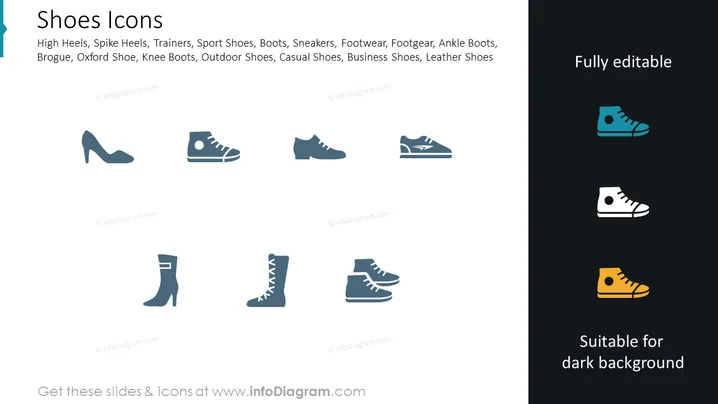
The PowerPoint slide titled "Shoes Icons" lists various types of footwear, including High Heels, Spike Heels, Trainers, Sport Shoes, Boots, Sneakers, Footwear, Footgear, Ankle Boots, Brogue, Oxford Shoe, Knee Boots, Outdoor Shoes, Casual Shoes, Business Shoes, and Leather Shoes. Each item is a category of shoes illustrating the range of shoe types that may be used for different purposes, such as formal events, athletic activities, or casual wear.
The overall look of the slide is clean and modern, with a clear distinction between lighter and darker areas to showcase the icons' versatility against different backgrounds. The icons are simplistically designed for easy recognition and the slide uses a consistent and professional color palette.



